Registering Names to a Group
225
7
E Select the group that you want to delete from.
Press the group key, or enter the registered number during the number keys.
You can search by the registered name, user code, folder name, or e-mail address.
F Press [Add to Group].
The keys of groups in which the group is registered appear highlighted.
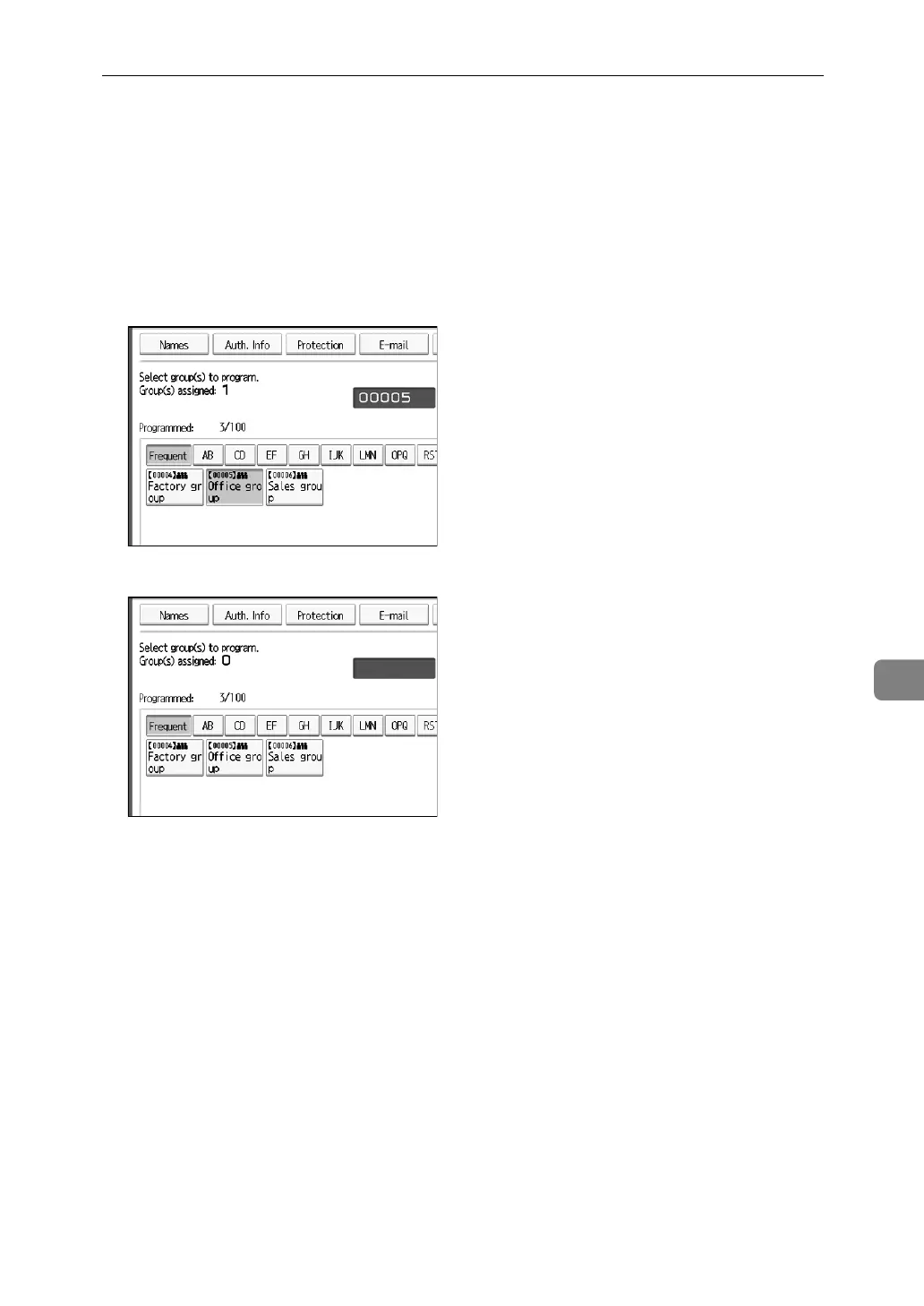
G Select the group that you want to delete from.
The group key is deselected and the group is deleted from it.
H Press [OK].



 To Next Page