Connect Copy
162
3
Using Job Preset in Connect Copy
You can make settings for the next Connect Copy job when the current job is still
in progress on the main machine. When the current job finishes, the next job be-
gins automatically.
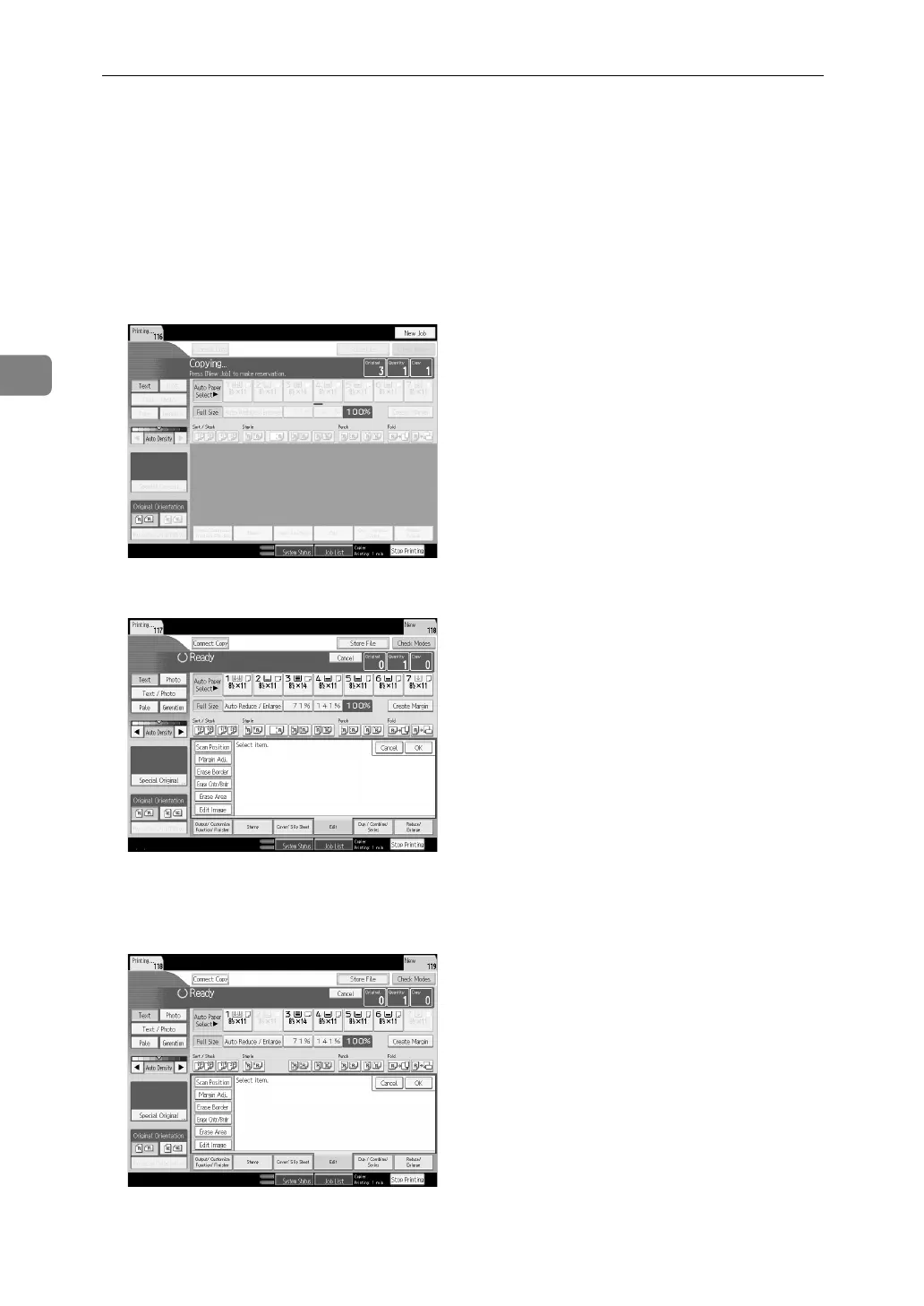
A On the main machine, confirm that “Press [New Job] to make reserva-
tion.” is displayed, and then press [New Job].
B Confirm that “Ready” is displayed, and then press [Connect Copy].
C Place the originals in the main machine.
D Confirm that “Ready” is displayed, and then make settings for the job.



 To Next Page