E-mail Destination
199
7
Using the e-mail address as the sender
A Press [Protection].
B Press [Sender ] under [Use Name as].
Deleting an E-mail Destination
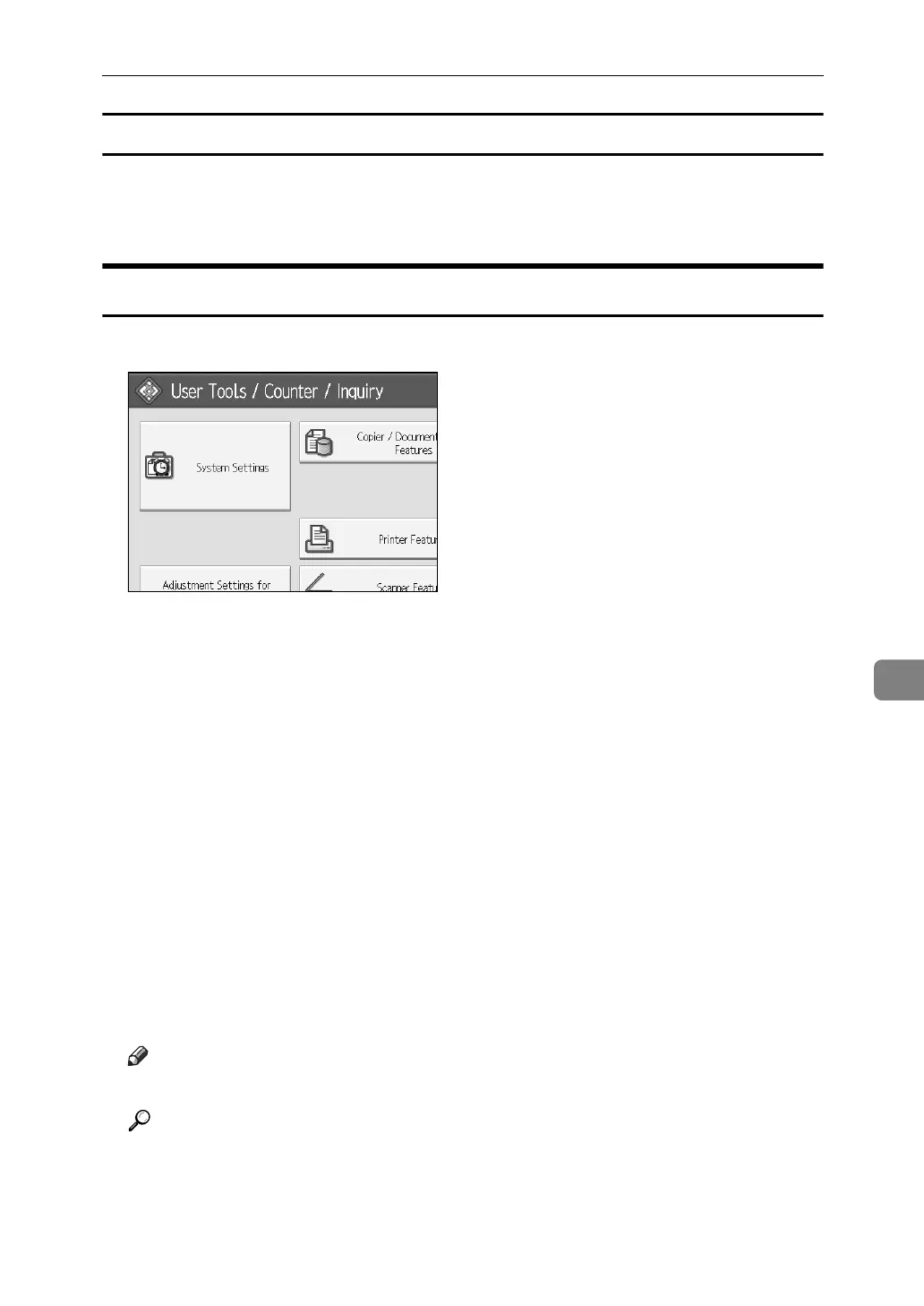
A Press [System Settings].
B Press [Administrator Tools].
C Press [Address Book Management].
D Check that [Program/Change] is selected.
E Select the name whose e-mail address you want to delete.
Press the name key, or enter the registered number using the number keys.
You can search by the registered name, user code, folder name, or e-mail address.
F Press [E-mail].
G Press [Change] under E-mail Address.
H Press [Delete All].
I Press [OK] twice.
J Press the {User Tools} key.
Note
❒ To delete the name, key display, and title, see “Deleting a Registered Name”.
Reference
p.186 “Deleting a Registered Name”



 To Next Page