Using the Document Server
179
4
Note
❒ In step
C
, pressing [Backspace] allows you to delete up to any desired location.
❒ You can enter up to 20 characters for a document name. In the list, however,
up to 16 characters are displayed as the document name. If above limits are
exceeded, the list will display up to 15 characters for the document name.
To set or change a Password
Following describes the procedure for setting or changing a password to be at-
tached to a stored document.
A Display the original scan screen.
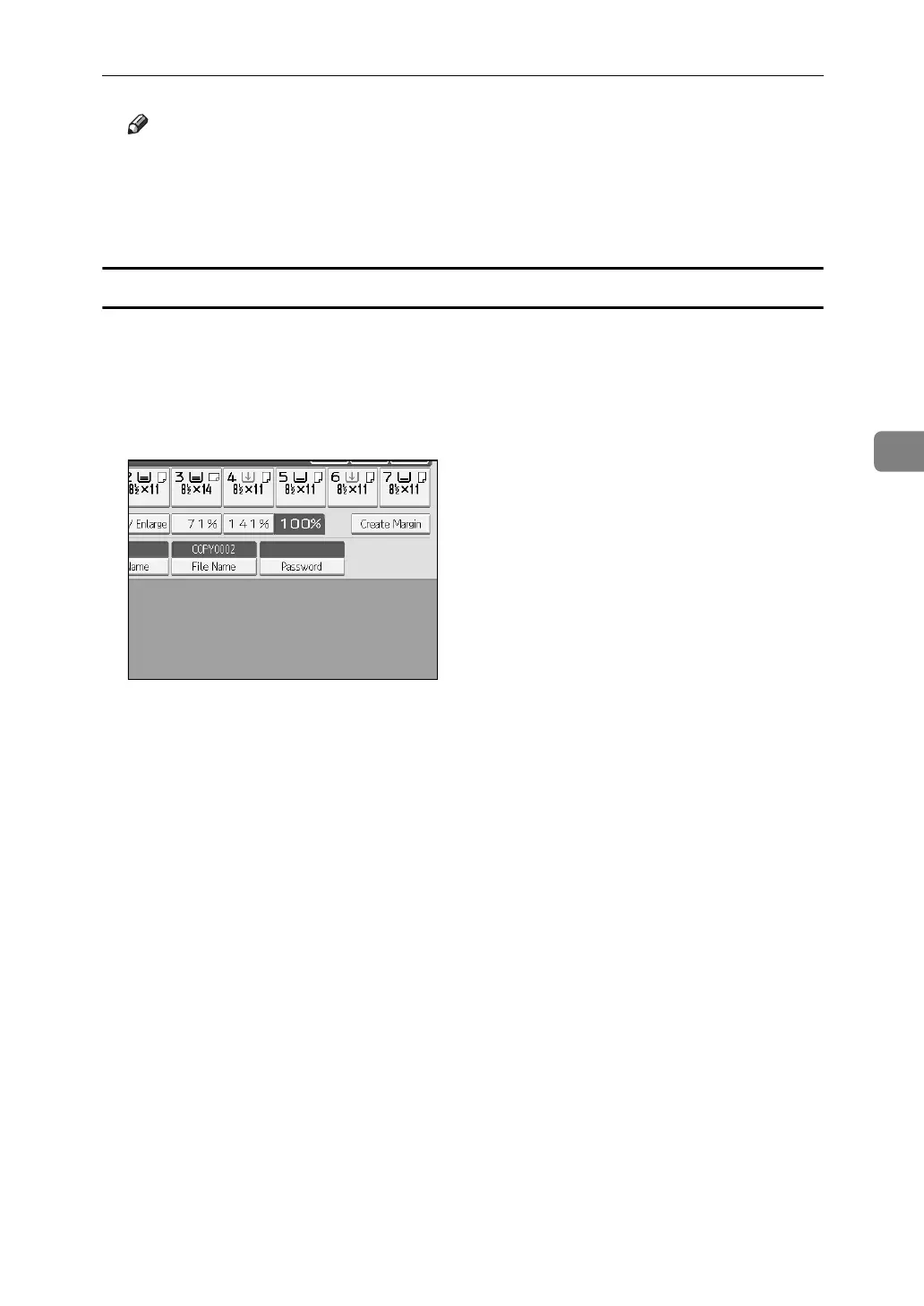
B Press [Password].
C Enter the password from the number keys and then press [OK].
You can use four to eight digits for specifying the password.
D For double-check, enter the password again and then press [OK].



 To Next Page