Registering Addresses and Users for Scanner Functions
184
7
Registering Names
Register user information including their names.
The user name is useful for selecting a destination when sending e-mail. You can
also use it as a folder destination.
You can register up to 2000 names.
Registering Names
Following describes the procedure for registering names.
A Press [System Settings].
B Press [Administrator Tools].
C Press [Address Book Management].
D Check that [Program/Change] is selected.
E Press [New Program].
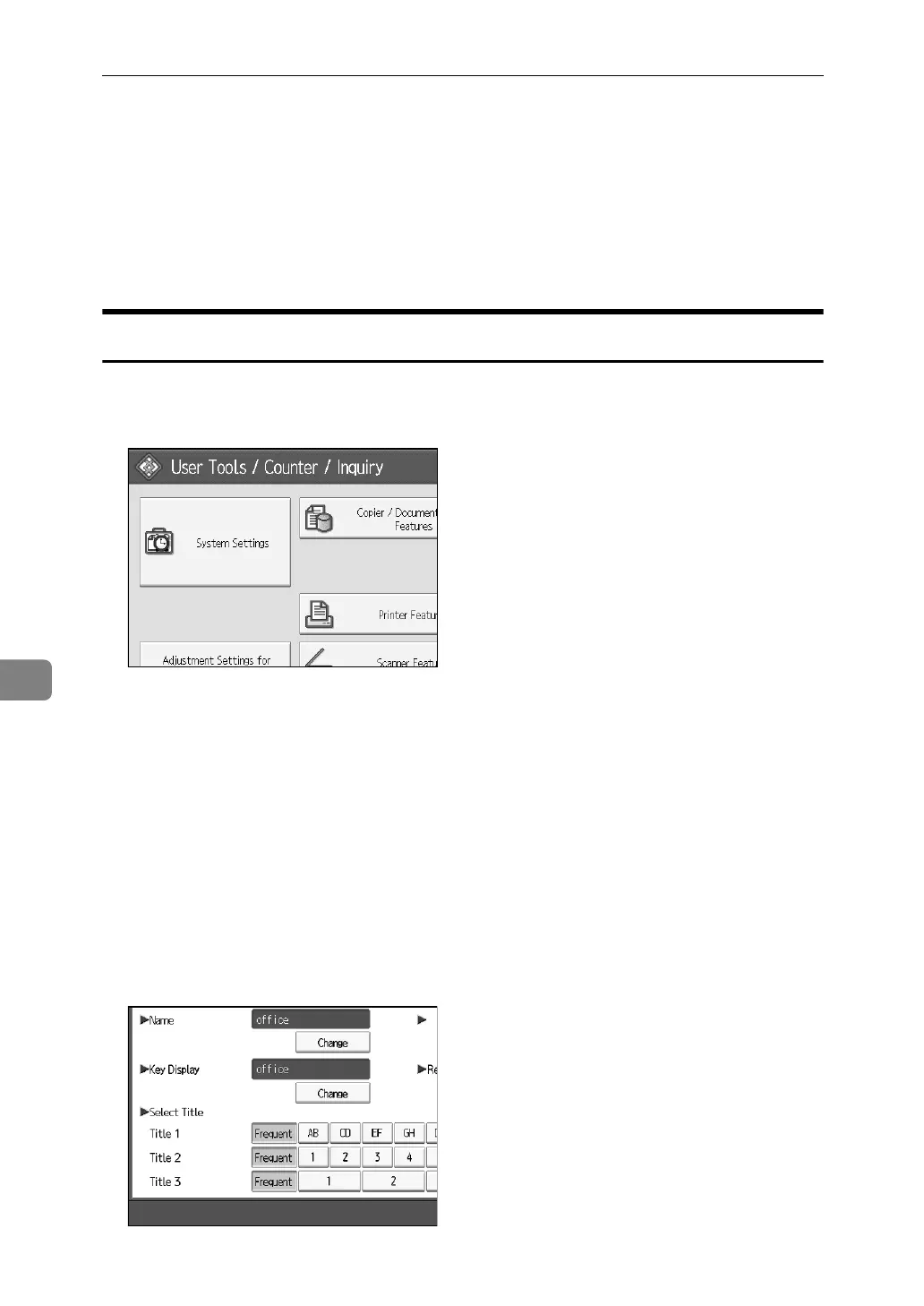
F Press [Change] on the right of the Name.
The name entry display appears.
G Enter the name, and then press [OK].
H Press the key for the classification you want to use under Select Title.



 To Next Page