Getting Started
20
1
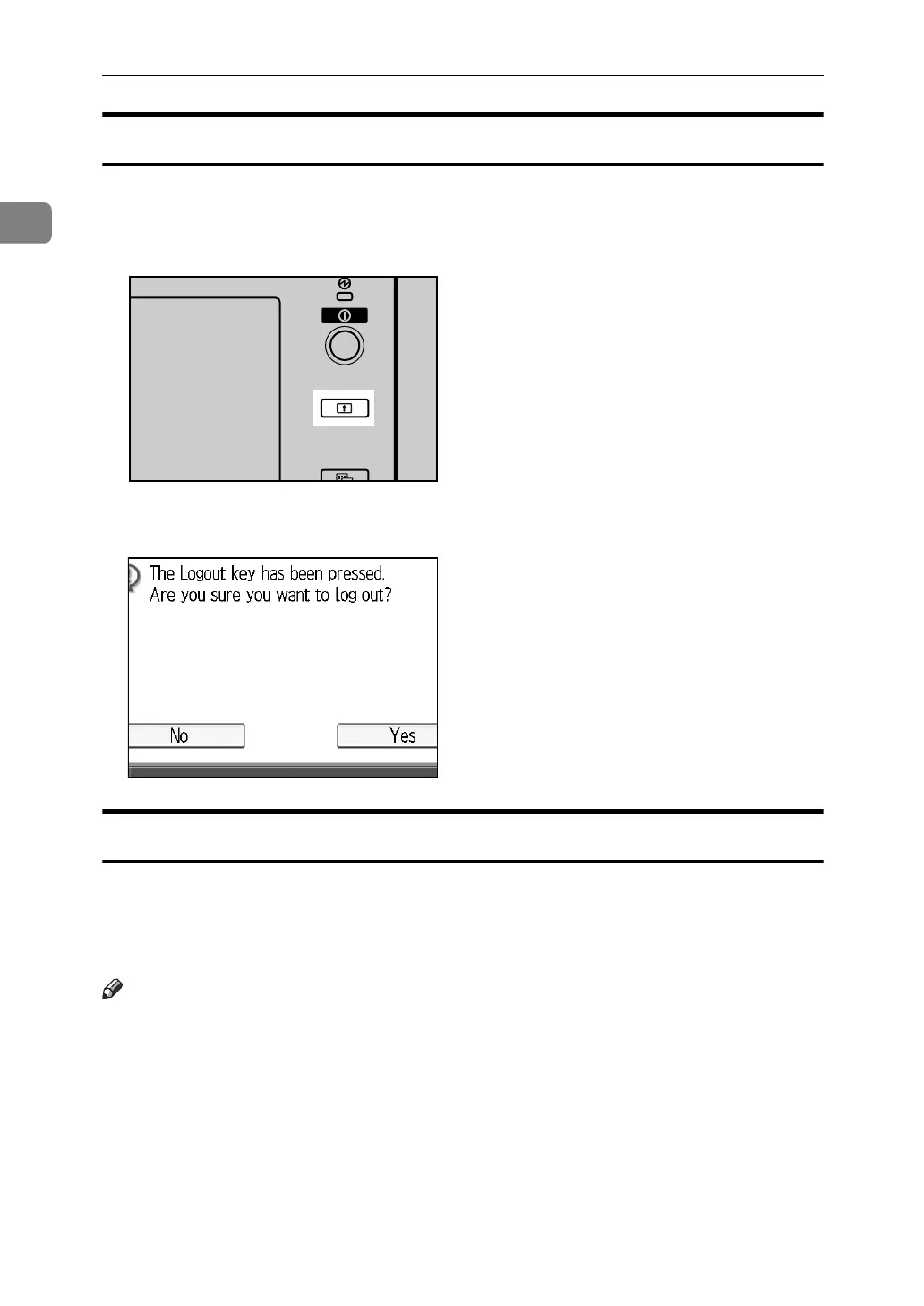
Log Off (Using the Control Panel)
Follow the procedure below to log off when Basic Authentication, Windows Au-
thentication, LDAP Authentication, or Integration Server Authentication is set.
A Press the {Login/Logout} key.
B Press [Yes].
Login (Using a Printer Driver)
When Basic Authentication, Windows Authentication, LDAP Authentication, or
Integration Server Authentication is set, make encryption settings in the printer
properties of the printer driver, and then specify a login user name and pass-
word. For details, see the printer driver Help.
Note
❒ When logged on using a printer driver, you do not have to log off.
APG012S



 To Next Page