Basic Procedure
37
2
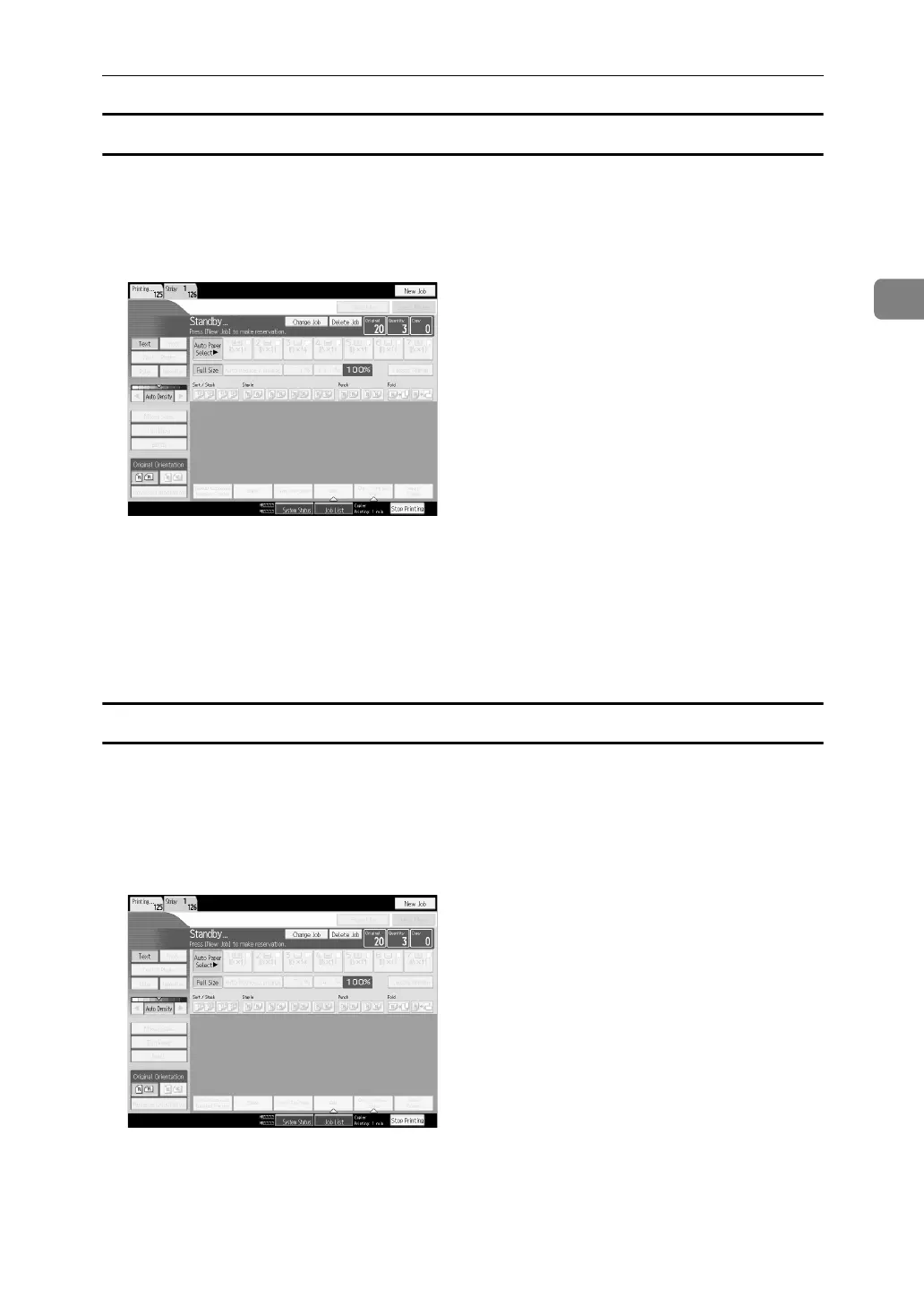
To delete a job after checking its contents
You can delete the contents of preset jobs.
A Select the job number you want to change.
B Press [Change Job].
C Check job contents.
D Press [Delete Job].
A confirmation message appears.
E Press [Yes].
Deleting a job
A Select the job number you want to delete.
To interrupt copying, press [Stop Printing] at the right bottom of the display,
and then proceed to step
C
.
B Press [Delete Job].
C Press [Delete] in the confirmation dialog box.



 To Next Page