Protecting the Address Book
105
3
Encrypting the Data in the Address Book
This can be specified by the user administrator.
Encrypt the data in the address book.
Reference
See p.149 “Changing the Extended Security Functions”.
Preparation
For details about logging on and logging off with administrator authentica-
tion, see p.24 “Logging on Using Administrator Authentication”, p.26 “Log-
ging off Using Administrator Authentication”.
Note
❒ If you register additional users after encrypting the data in the address book,
those users are also encrypted.
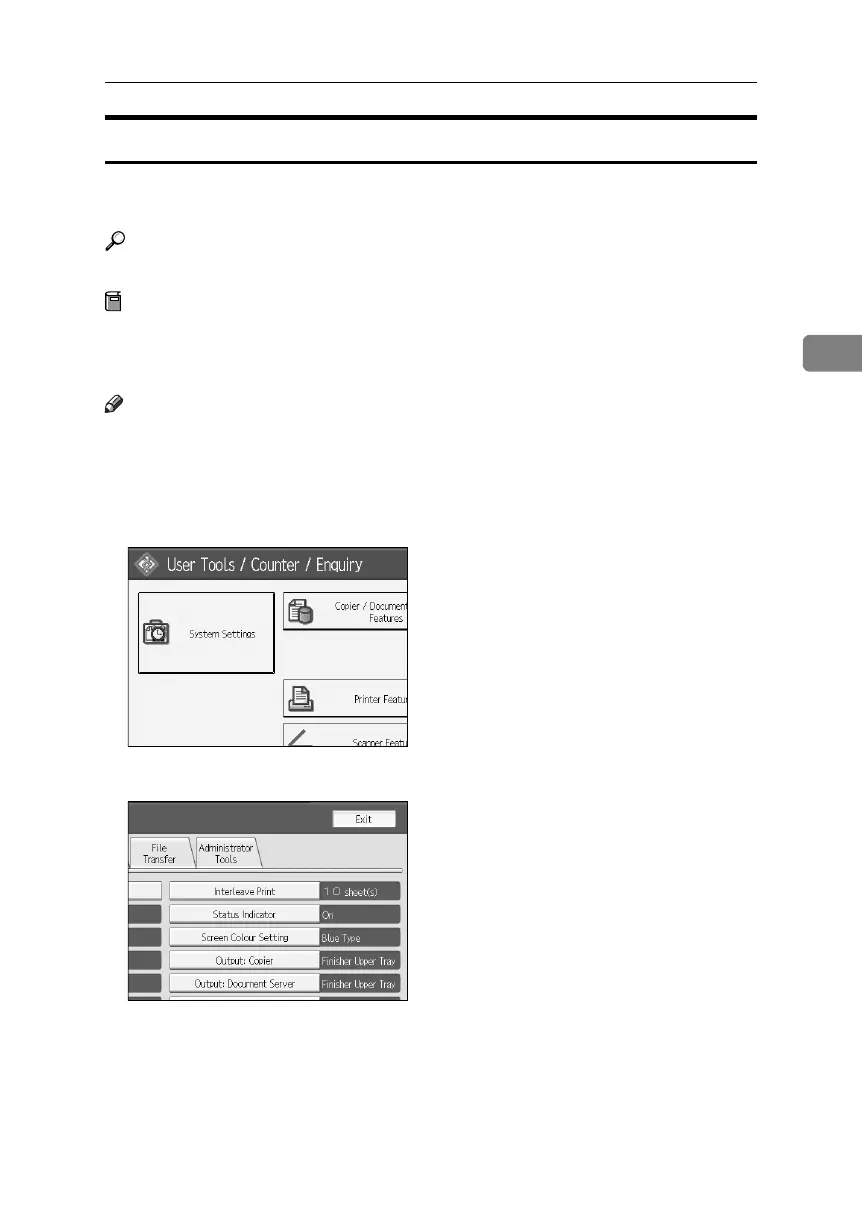
A Press the {User Tools} key.
B Press [System Settings].
C Press [Administrator Tools].
BelliniC3-EN_Sec_F_FM_forPaper.book Page 105 Friday, December 16, 2005 9:16 AM



 To Next Page