Preventing Information Leaks
104
3
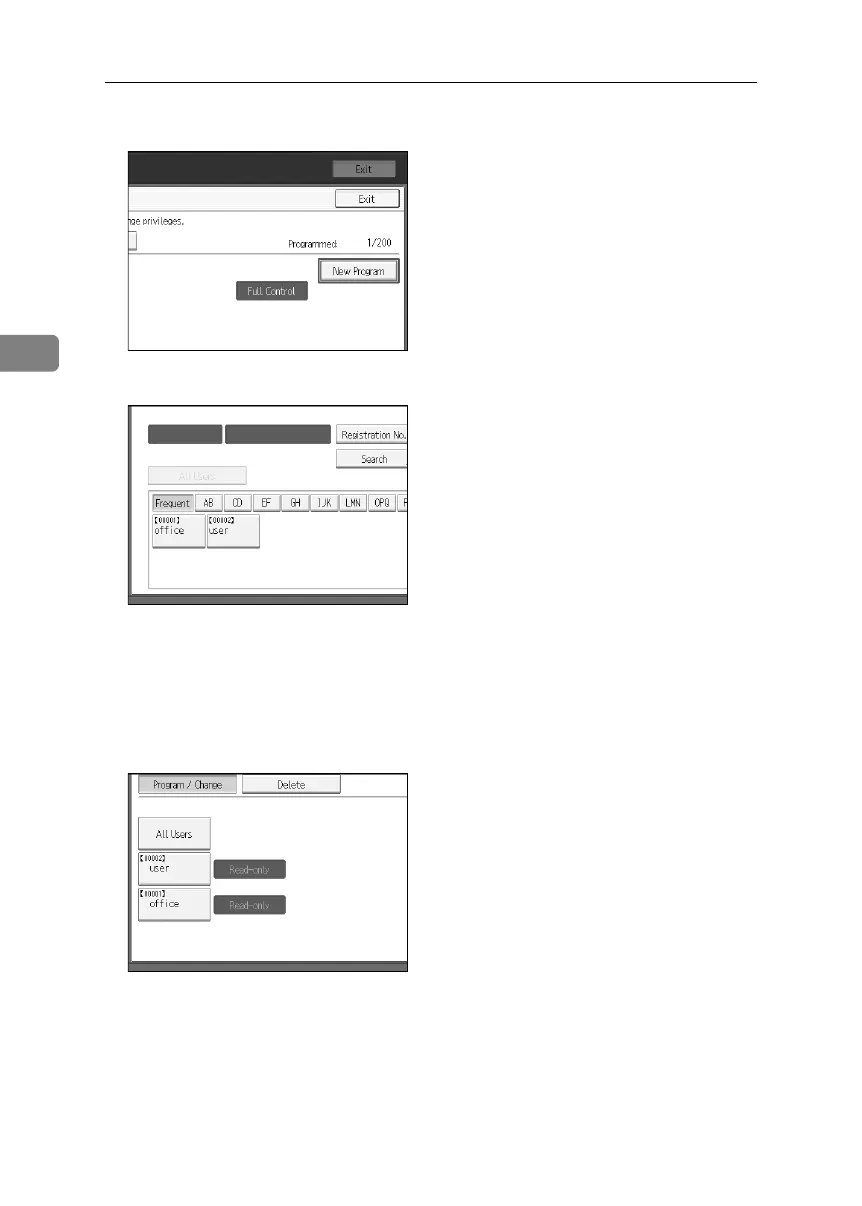
H Press [New Program].
I Select the users or groups to register.
You can select more than one users.
By pressing [All Users], you can select all the users.
J Press [Exit].
K Select the user who you want to assign an access permission to, and then
select the permission.
Select the permission, from [Read-only], [Edit], [Edit / Delete], or [Full Control].
L Press [Exit].
M Press [OK].
N Press [Exit].
O Press the {User Tools} key.
BelliniC3-EN_Sec_F_FM_forPaper.book Page 104 Friday, December 16, 2005 9:16 AM



 To Next Page