Protecting the Address Book
103
3
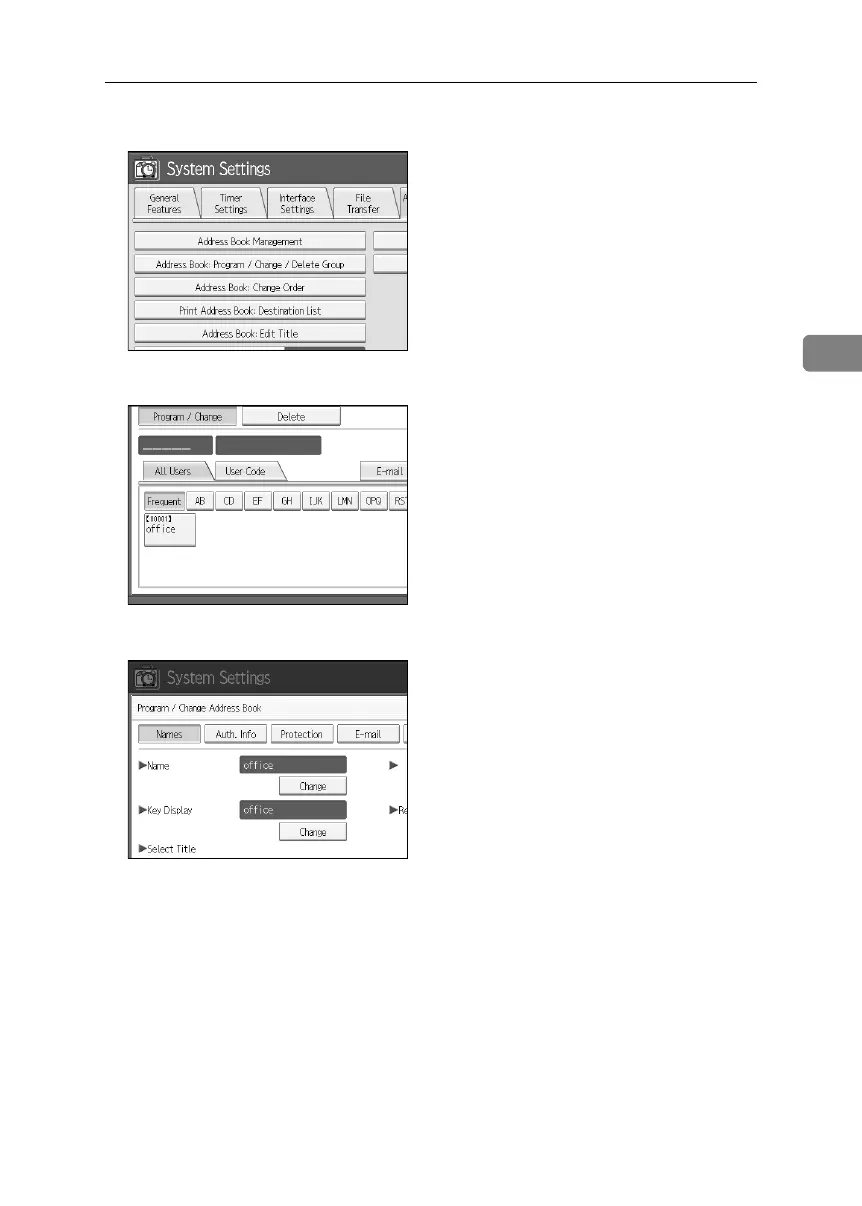
D Press [Address Book Management].
E Select the user or group.
F Press [Protection].
G Under “Protect Destination”, press [Program/Change/Delete] for “Permissions
for Users/Groups”.
BelliniC3-EN_Sec_F_FM_forPaper.book Page 103 Friday, December 16, 2005 9:16 AM



 To Next Page