Copying
102
2
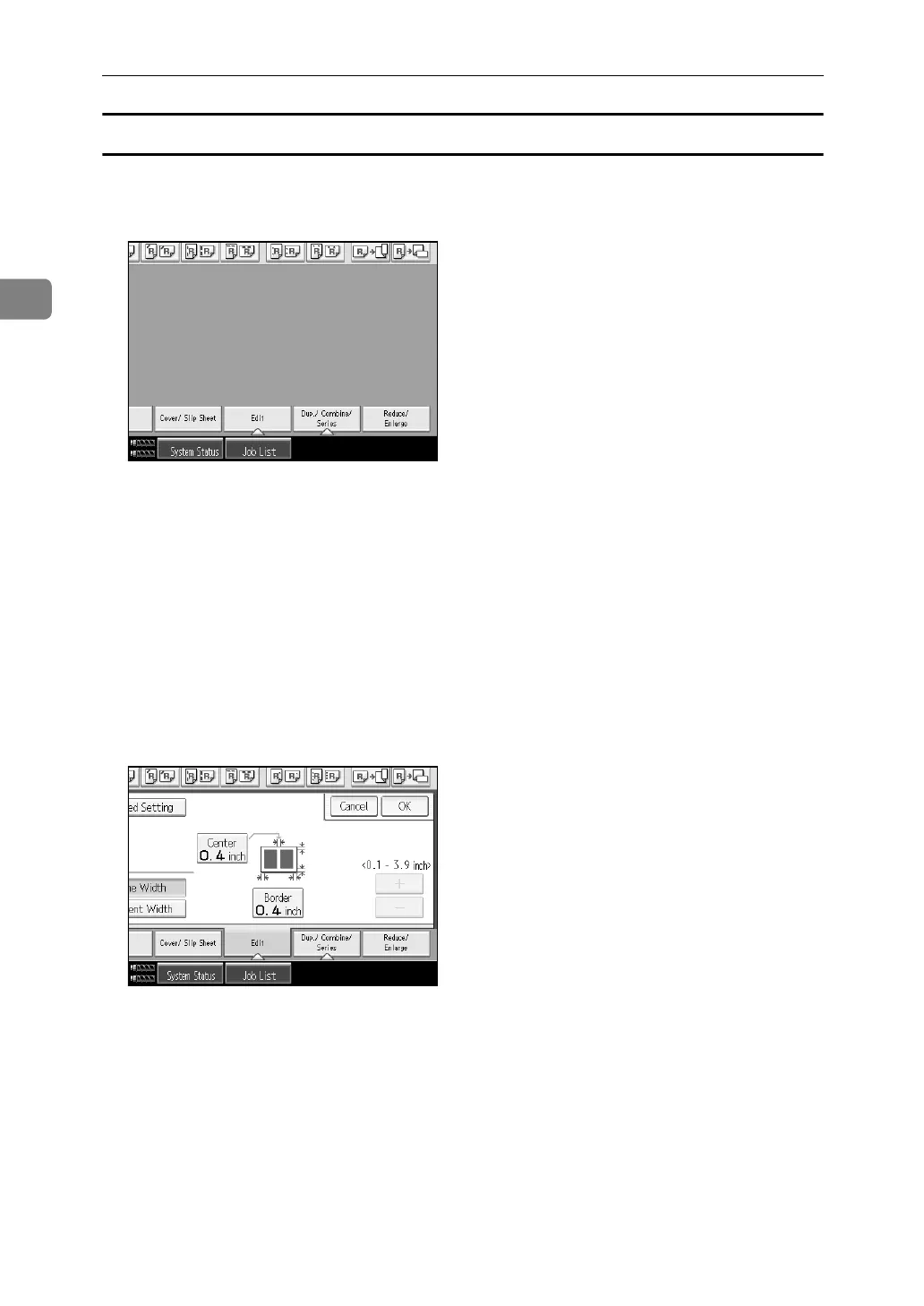
Center/Border Erase (same width)
This mode erases both the center and edge margins of the original image.
A Press [Edit].
B Press [Erase Cntr/Brdr].
C Press [Same Width].
D Press [Center], and then set the erase center width with [n ] and [o].
Pressing [n] or [o] changes the width in increments of 1 mm (0.1 inch).
Pressing and holding down the relevant key changes the width in increments
of 10 mm (0.4 inch).
If you select to erase the image on the back of the original, press [2 Sided Set-
ting] and [Back].
Erasing the image on the back is valid when you copy 2-Sided originals.
E Press [Border], and then set the erase border width with [n] and [o].
Pressing [n] or [o] changes the width in increments of 1 mm (0.1 inch).
Pressing and holding down the relevant key changes the width in increments
of 10 mm (0.4 inch).
F Press [OK].
G Place the originals, and then press the {Start} key.



 To Next Page