Authentication and its Application
70
2
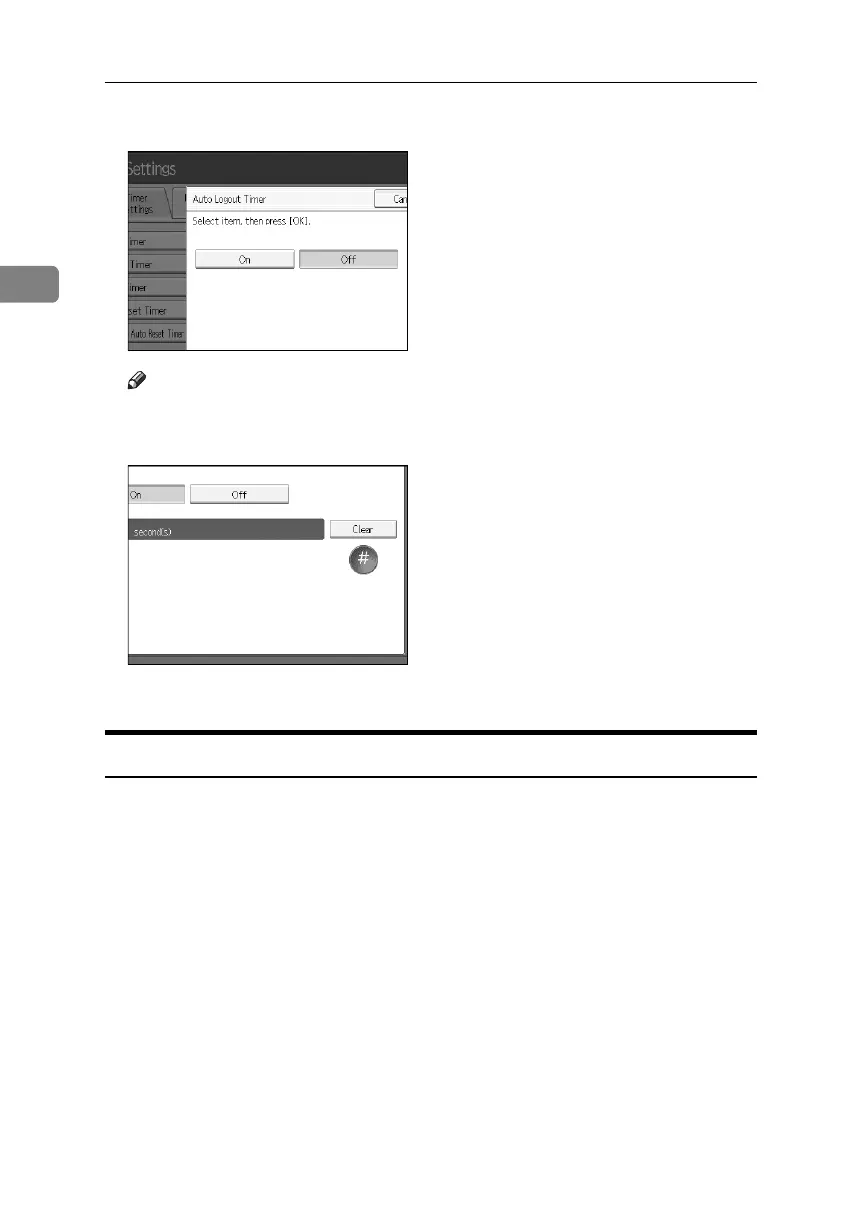
E Select [On].
Note
❒ If you do not want to specify [Auto Logout Timer], select [Off].
F Enter “60” to “999” (seconds) using the number keys, and then press [q].
G Press the {User Tools} key.
Authentication using an external device
If you authenticate using an external device, see the Kit manual.
For details, contact your local dealer.
BelliniC3-EN_Sec_F_FM_forPaper.book Page 70 Friday, December 16, 2005 9:16 AM



 To Next Page