Connect Copy
150
3
How It Works
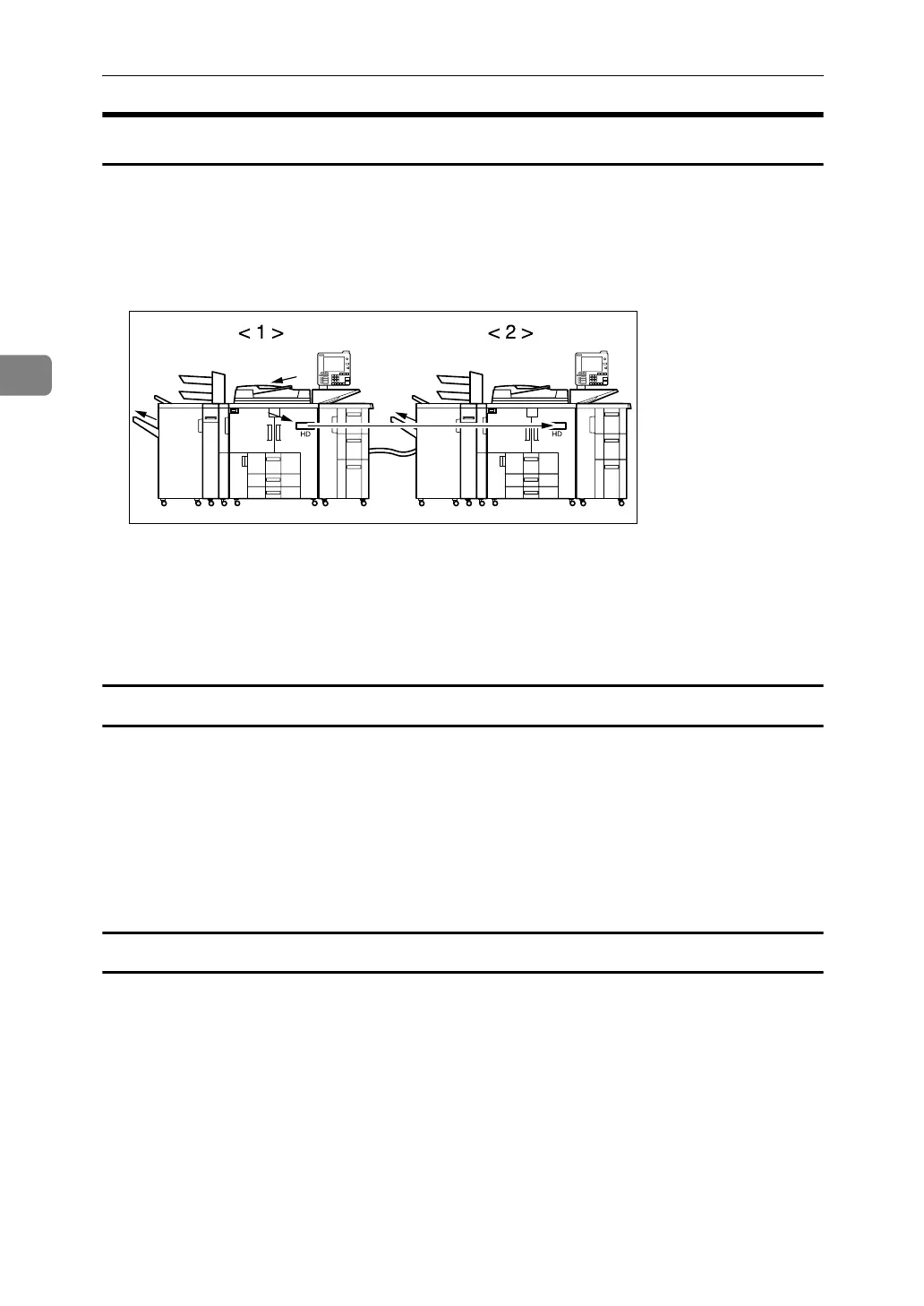
After the original is scanned, the data is stored on the hard disk of the main ma-
chine. As soon as the main machine starts copying, the data is transferred to the
hard disk of the sub-machine, and the sub-machine then starts copying.
In this manual, the two machines connected are referred to as main machine and
sub-machine.
A Main machine
B Sub-machine
The main machine is the one on which you press [Connect Copy] to make Connect
Copy settings. The other machine becomes the sub-machine.
Machine Types and Options
• Both machines need not be of the same type.
• You can still use Connect Copy without an optional finisher or Large Capac-
ity Tray (LCT). However, to use the Staple and Punch functions, the optional
Finisher SR5000 and punch unit must be installed on both machines. To select
[Staple: Center], the optional Booklet Finisher BK5000 must be installed on
both machines. To use the Z-fold function, the optional Z-folding unit and
Booklet Finisher BK5000 must be installed on both machines.
Interrupt Copy
• You can use the Interrupt function on the sub-machine, but not on the main
machine.
• You cannot use Connect Copy when a job has been paused using the Inter-
rupt function.
APG024S



 To Next Page