Authentication and its Application
56
2
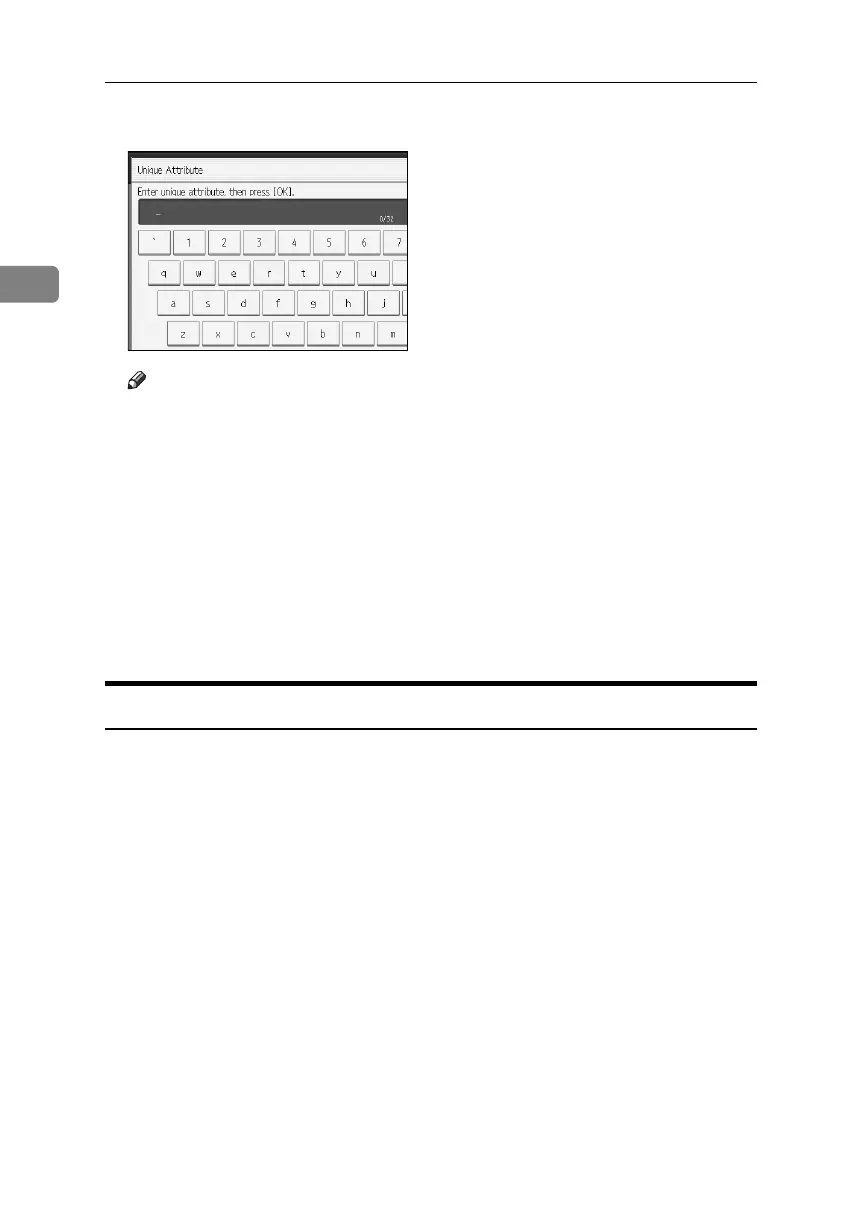
P Enter the unique attribute and then press [OK].
Note
❒ Specify Unique Attribute on the machine to match the user information in
the LDAP server with that in the machine. By doing this, if the Unique At-
tribute of a user registered in the LDAP server matches that of a user reg-
istered in the machine, the two instances are treated as referring to the
same user.You can enter an attribute such as “serialNumber” or “uid”. Ad-
ditionally, you can enter “cn” or “employeeNumber”, provided it is
unique. If you do not specify the Unique Attribute, an account with the
same user information but with a different login user name will be created
in the machine.
Q Press [OK].
R Press the {User Tools} key.
Integration Server Authentication
To use Integration Server Authentication, you need a server on which ScanRout-
er software that supports authentication is installed.
For external authentication, the Integration Server Authentication collectively
authenticates users accessing the server over the network, providing a server-in-
dependent centralized user authentication system that is safe and convenient.
For example, if the delivery server and the machine share the same Integration
Server Authentication, single sign-on is possible using DeskTopBinder.
To use [Integration Server Authentication], the machine must have access to a server
on which Ridoc Document System software and [Authentication Manager] are in-
stalled.
For details about the software, contact your local dealer.
Using Web Image Monitor, you can specify whether or not to check the reliabil-
ity of the SSL server being connected to.
For details see the Web Image Monitor Help.
BelliniC3-EN_Sec_F_FM_forPaper.book Page 56 Friday, December 16, 2005 9:16 AM



 To Next Page