Copying
122
2
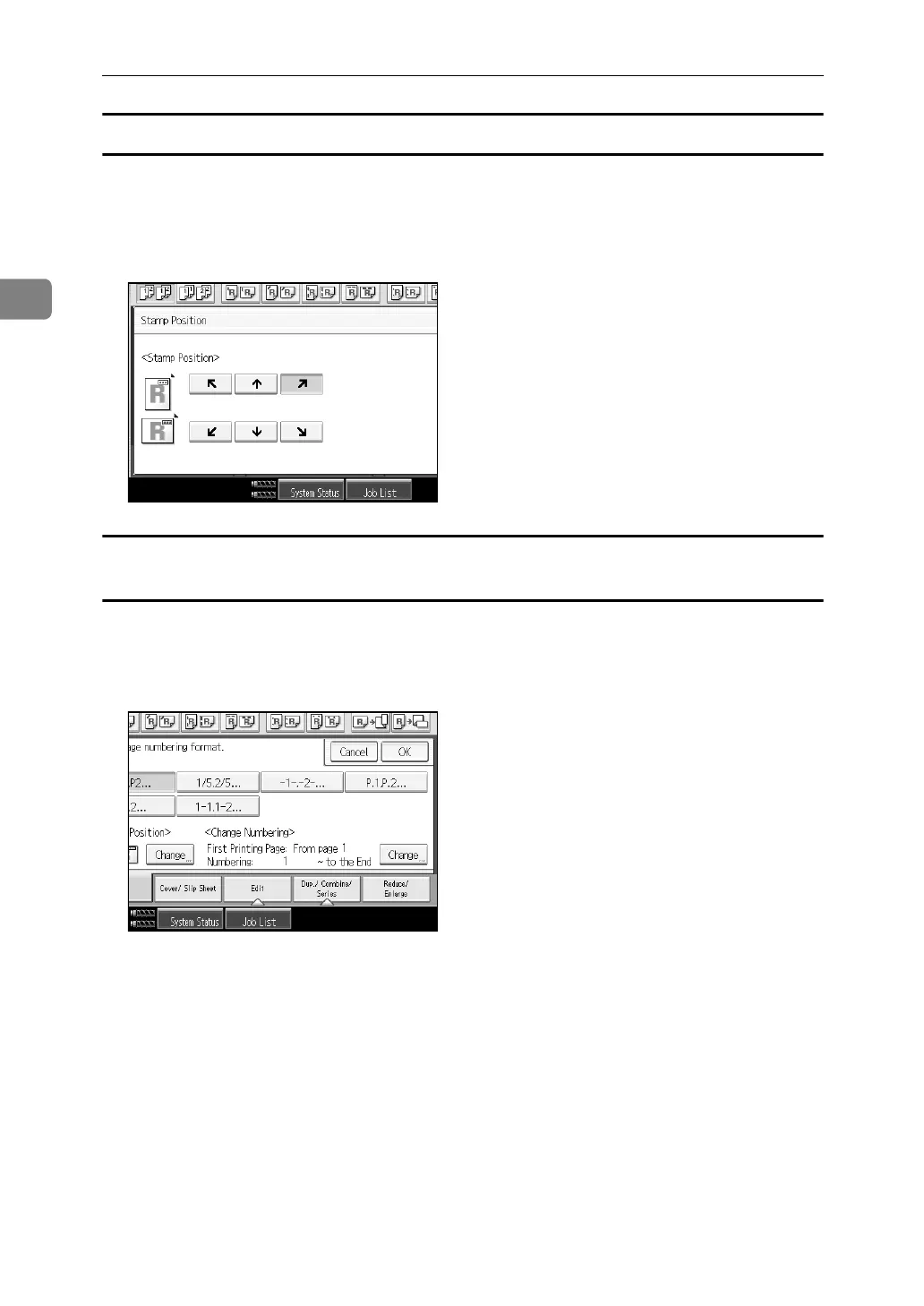
Changing the stamp position
Changes the stamp position.
A Press [Change] under Stamp Position.
B Select the desired position, and then press [OK].
Specifying the first printing page and start number (“P1,P2...”, “-1-,-2-...”, “P.1,P.2...”,
“1,2...”)
Below explains the example when “P1,P2...” is selected. The steps are the same
for other cases.
A Press [Change] under Change Numbering.
B Press [First Printing Page], enter the original sheet number from which to start
printing from, and then press the {q} key.



 To Next Page