Copier Functions
123
2
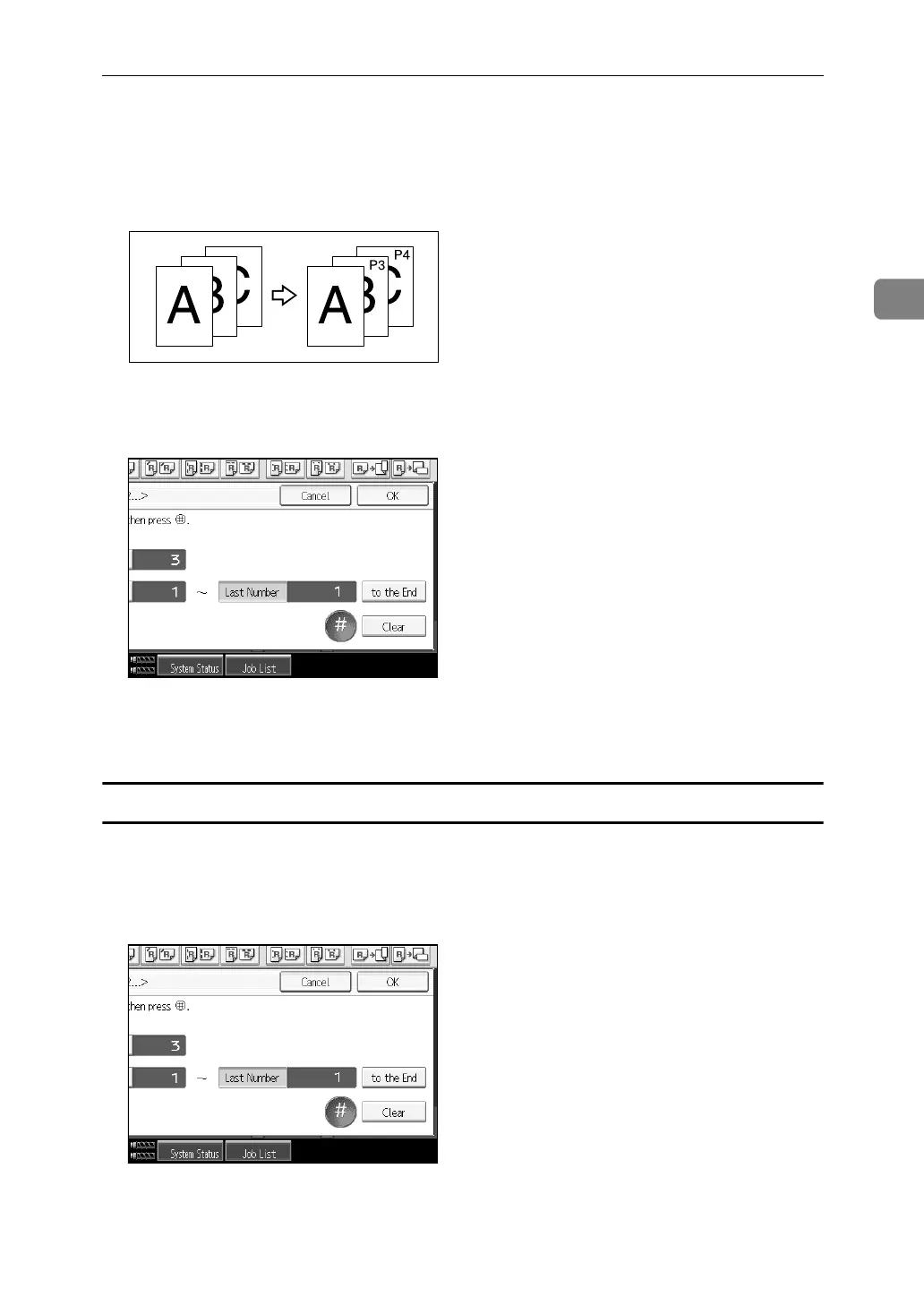
C Press [First Printing Number], enter the number of page from which to start
numbering from with the number keys, and then press the {q} key.
The example below shows when the first printing page is “2” and the start
number is “3”.
D Press [Last Number], enter the number of the page at which to stop number-
ing with the number keys, and then press the {q} key.
If you want to number all pages to the end, press [to the End].
E When page designation is complete, press [OK].
Specifying the first printing page and start number (“1/5,2/5…”)
A Press [Change] under Change Numbering.
B Press [First Printing Page]. Enter the original sheet number from which to start
printing, and then press the {q} key.
You can enter between 1 and 9999 for the original sheet number from which
to start printing.
GCANPE2J



 To Next Page