Copier Functions
133
2
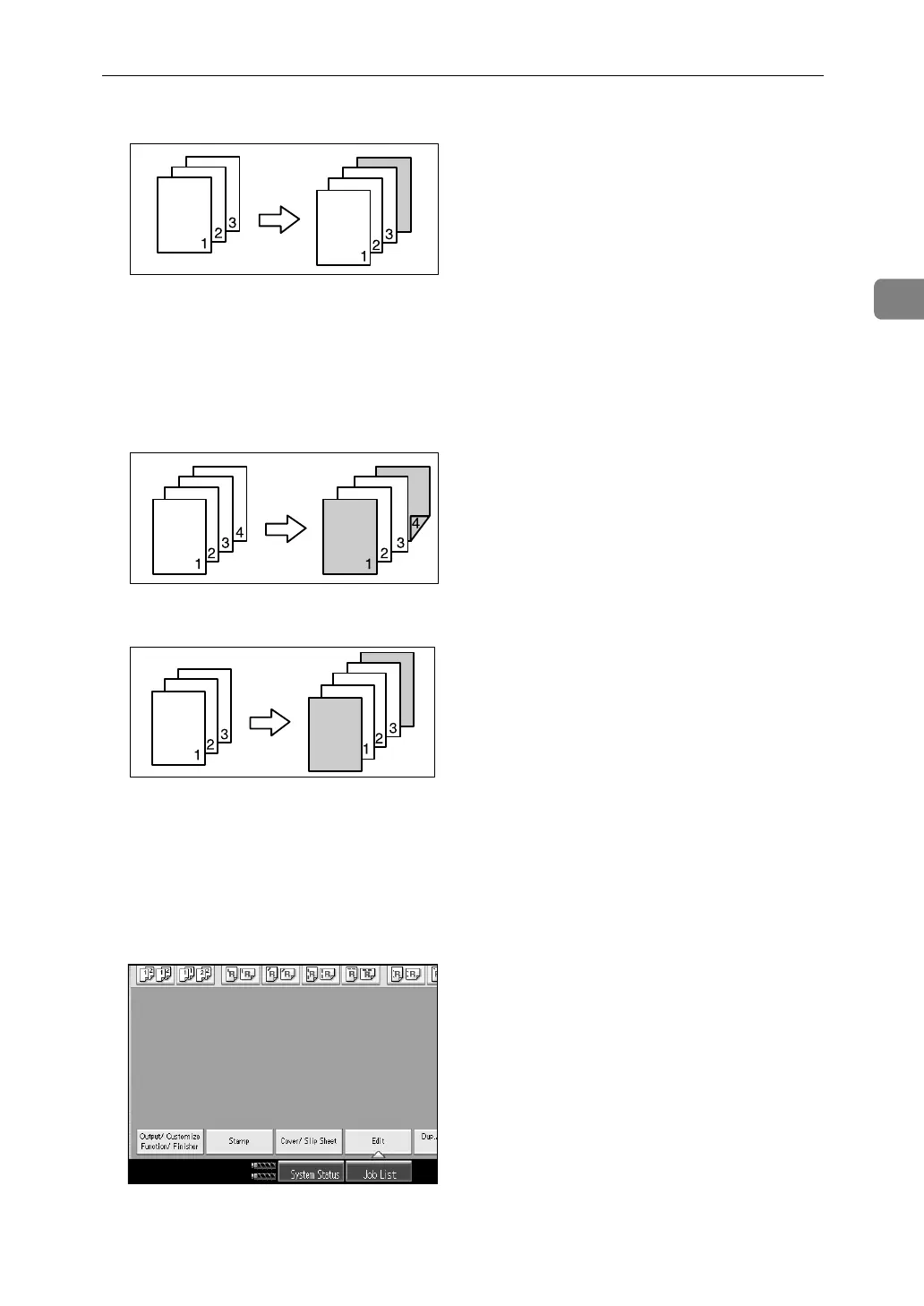
•Blank
❖ Front/Back Covers
The first and last pages of your original are copied on separate paper for use
as covers, or a cover sheet is inserted before the first copy and after the last
copy.
•Copy
•Blank
A Set the tray for the front cover or back cover sheet.
You can select the tray for the front or back cover sheet using the Tray Paper
Settings.
The cover sheet should be the same size and direction as the copy paper.
B Press [Cover/ Slip Sheet].
C Select [Copy] or [Blank] for the front or back cover sheet, and then press [OK].
ADB002S
GCCOVE0J



 To Next Page