Network Settings
23
1
IEEE 1394 (IPv4 over 1394)
This section describes necessary set items for sending file with IEEE 1394 inter-
face cable.
For details about specifying the settings, see "Interface Settings" and "File Transfer".
Note
❒ [IEEE 1394] is displayed when optional IEEE 1394 interface board is installed.
❒ As to [Effective Protocol], check if the protocol to use is set as [Active].
Reference
p.52 “Interface Settings”
p.62 “File Transfer”
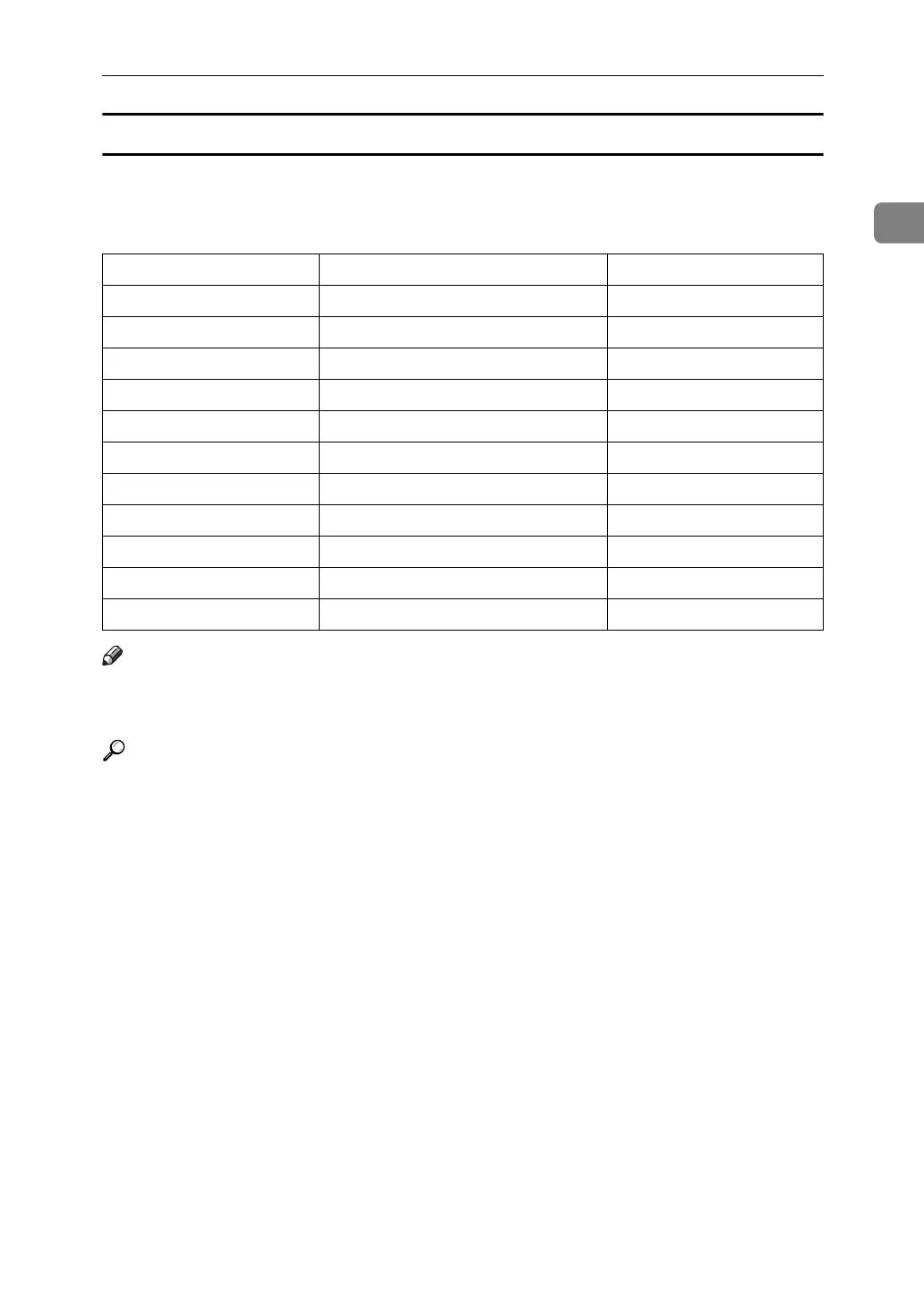
Heading Setting Item Setting Requirements
interface settings/IEEE 1394 IPv4 Address Mandatory
interface settings/IEEE 1394 DDNS Configuration As required
interface settings/IEEE 1394 Host Name As required
interface settings/IEEE 1394 Domain Name As required
interface settings/IEEE 1394 WINS Configuration As required
interface settings/IEEE 1394 IPv4 over 1394 Mandatory
interface settings/Network IPv4 Gateway Address Mandatory
interface settings/Network DNS Configuration As required
interface settings/Network Effective Protocol Mandatory
File Transfer Scanner Resend Interval Time As required
File Transfer Number of Scanner Resends As required



 To Next Page