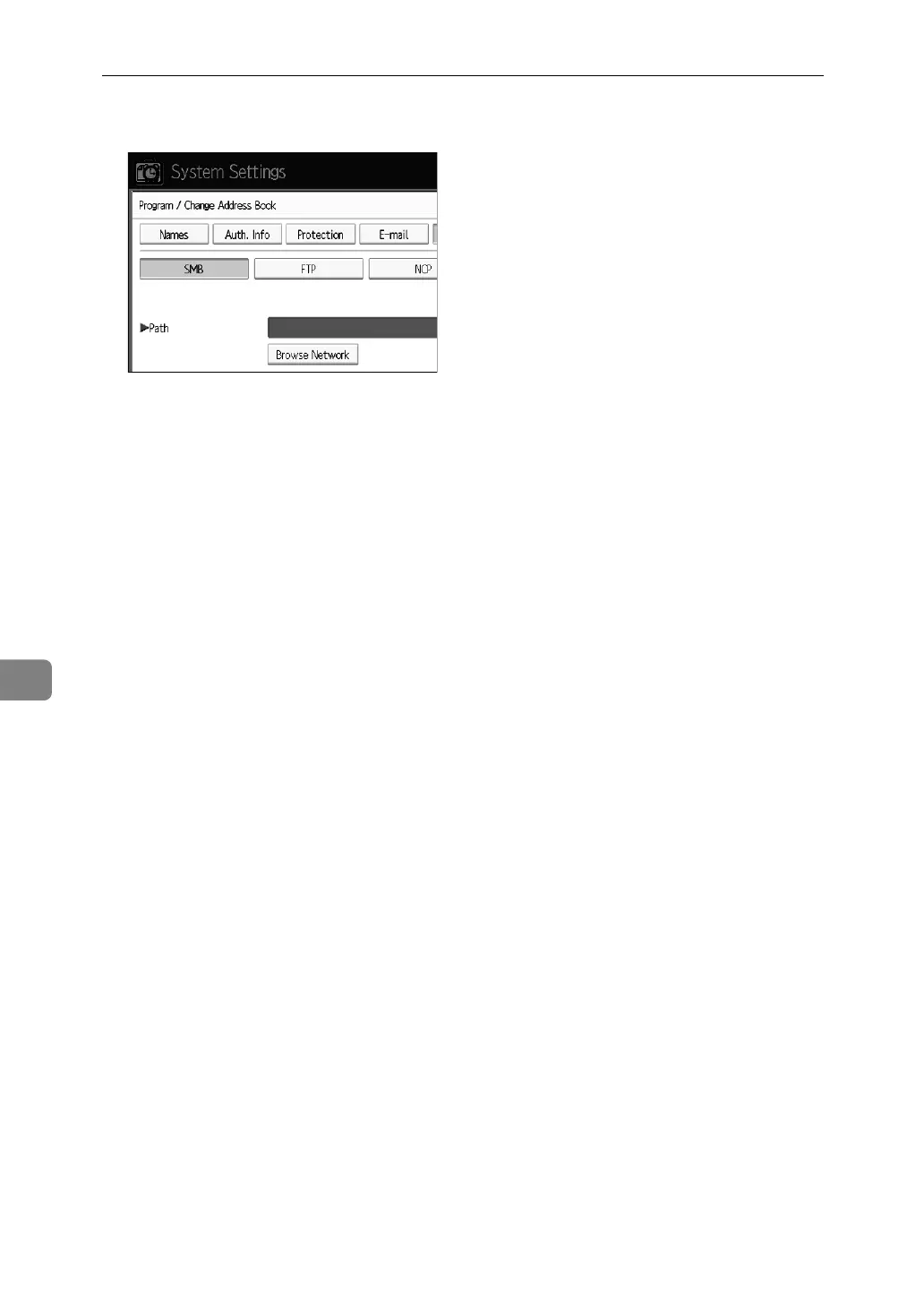
Registering Addresses and Users for Scanner Functions
208
7
N Press [FTP].
O A confirmation message appears. Press [Yes].
P Press [Change] under Server Name.
Q Enter the server name, and then press [OK].
R Press [Change] under Path.
S Enter the path.
T Press [OK].
U Press [Change] under “Port Number”.
V Enter Port Number.
W Press [Connection Test] to check the path is set correctly.
X Press [Exit].
Y Press [OK].


 To Next Page