System Settings
82
2
E Enter the key display, and then press [OK].
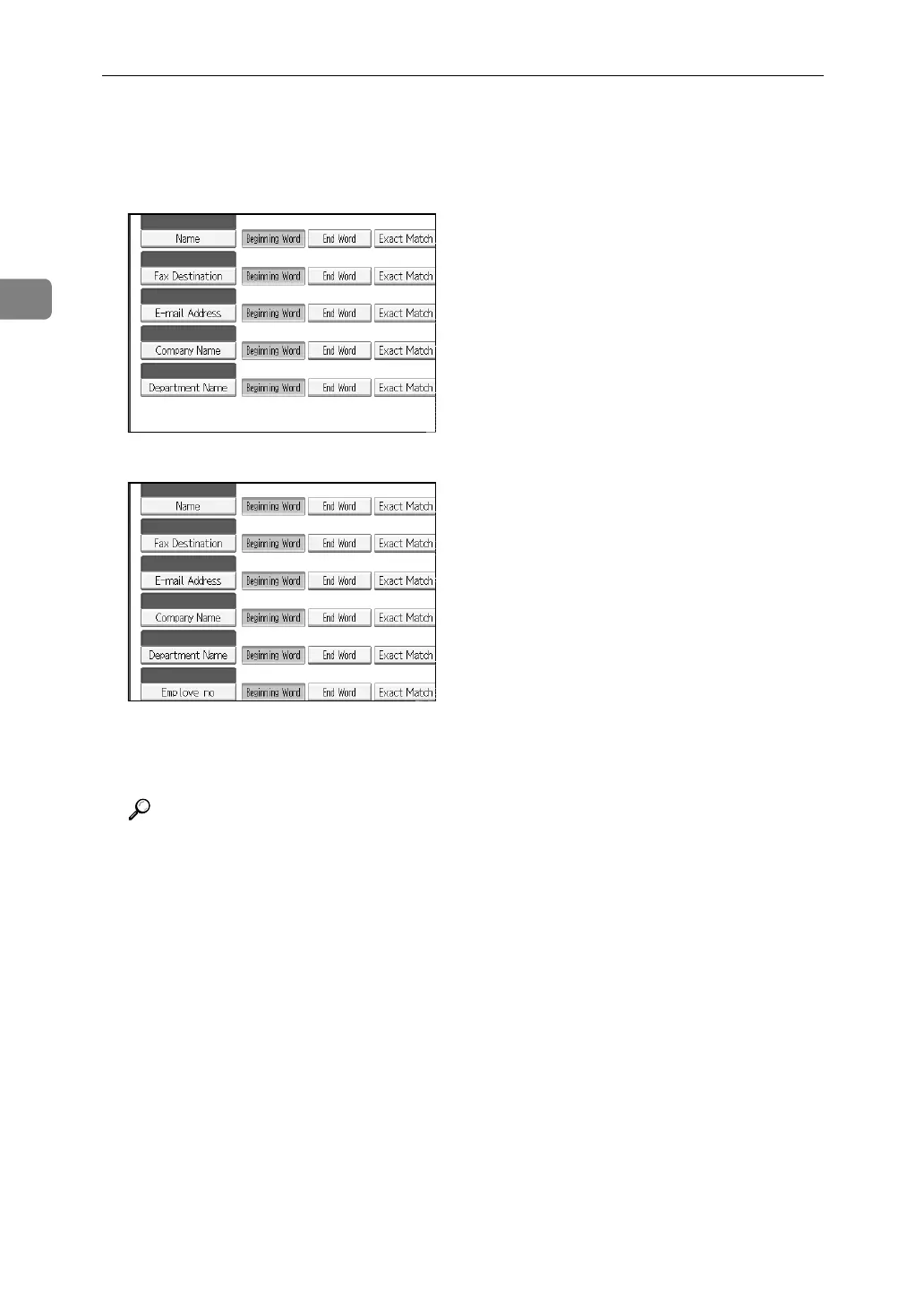
The registered “key display” appears as a keyword for searching LDAP.
• Without key display registration
• With key display registration
The key does not appear on the search screen unless both “Attribute” and
“Key Display” are registered. Make sure you register both to use the optional
search.
Reference
p.233 “LDAP Authentication”



 To Next Page