Registering Addresses and Users for Scanner Functions
188
7
D Check that [Program/Change] is selected.
E Press the name whose code is to be registered, or enter the registered num-
ber using the number key.
You can search by the registered name, user code, folder name, or e-mail address.
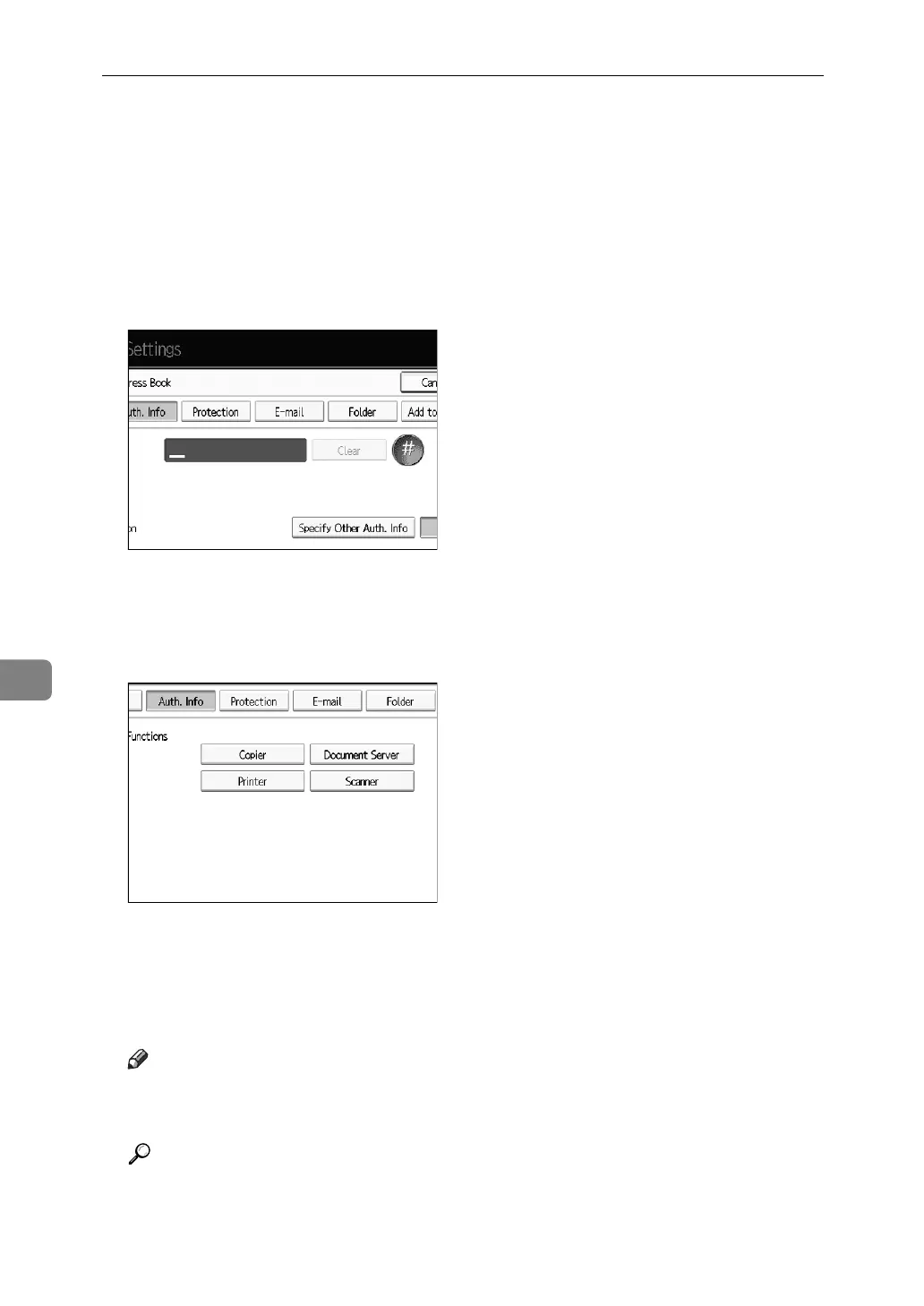
F Press [Auth. Info].
G Enter the user code using the number keys, and then press {#} key.
If you make a mistake, press [Clear] or the {Clear/Stop} key.
H Press [TNext] twice.
I Select the functions to be used with the user code from Available Functions.
J Press [OK].
K Press [Exit].
L Press the {User Tools} key.
Note
❒ User codes can contain up to eight digits.
❒ To register the name, see Registering Names”.
Reference
p.184 “Registering Names”



 To Next Page