Registering Folders
201
7
B Press [Administrator Tools].
C Press [Address Book Management].
D Check that [Program / Change] is selected.
E Select the name whose folder you want to register. Press the name key, or
enter the registered number using the number keys.
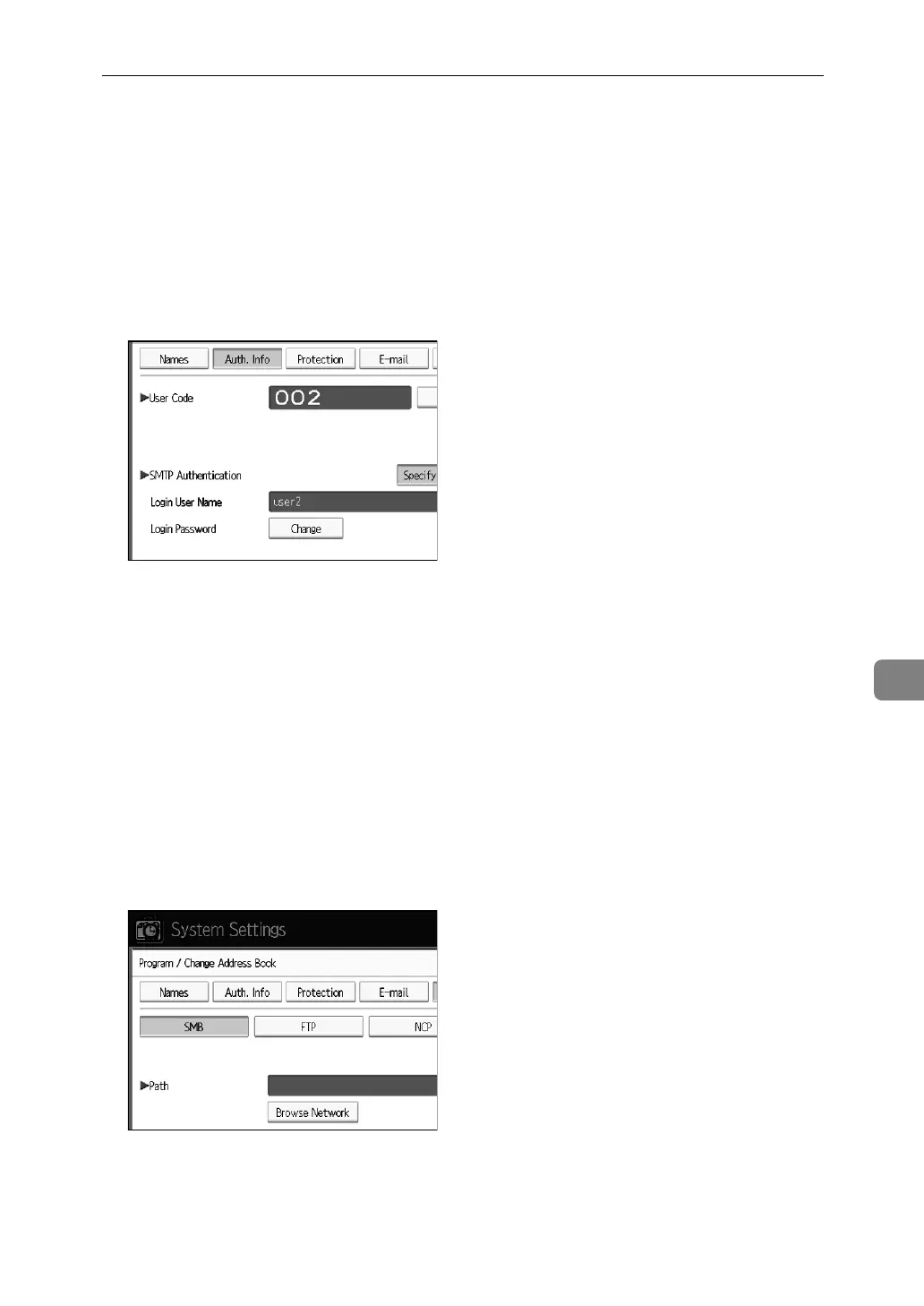
F Press [Auth. Info], and then press [Next].
G Press [Specify Other Auth. Info] on the right side of Folder Authentication.
H Press [Change] under Login User Name.
I Enter the login user name, and then press [OK].
J Press [Change] under Login Password.
K Enter the password, and then press [OK].
L Enter the password again to confirm, and then press [OK].
M Press [Folder].
N Press [SMB].
O Press [Connection Test] to check the path is set correctly.
P Press [Exit].
Q Press [OK].



 To Next Page