Registering Folders
203
7
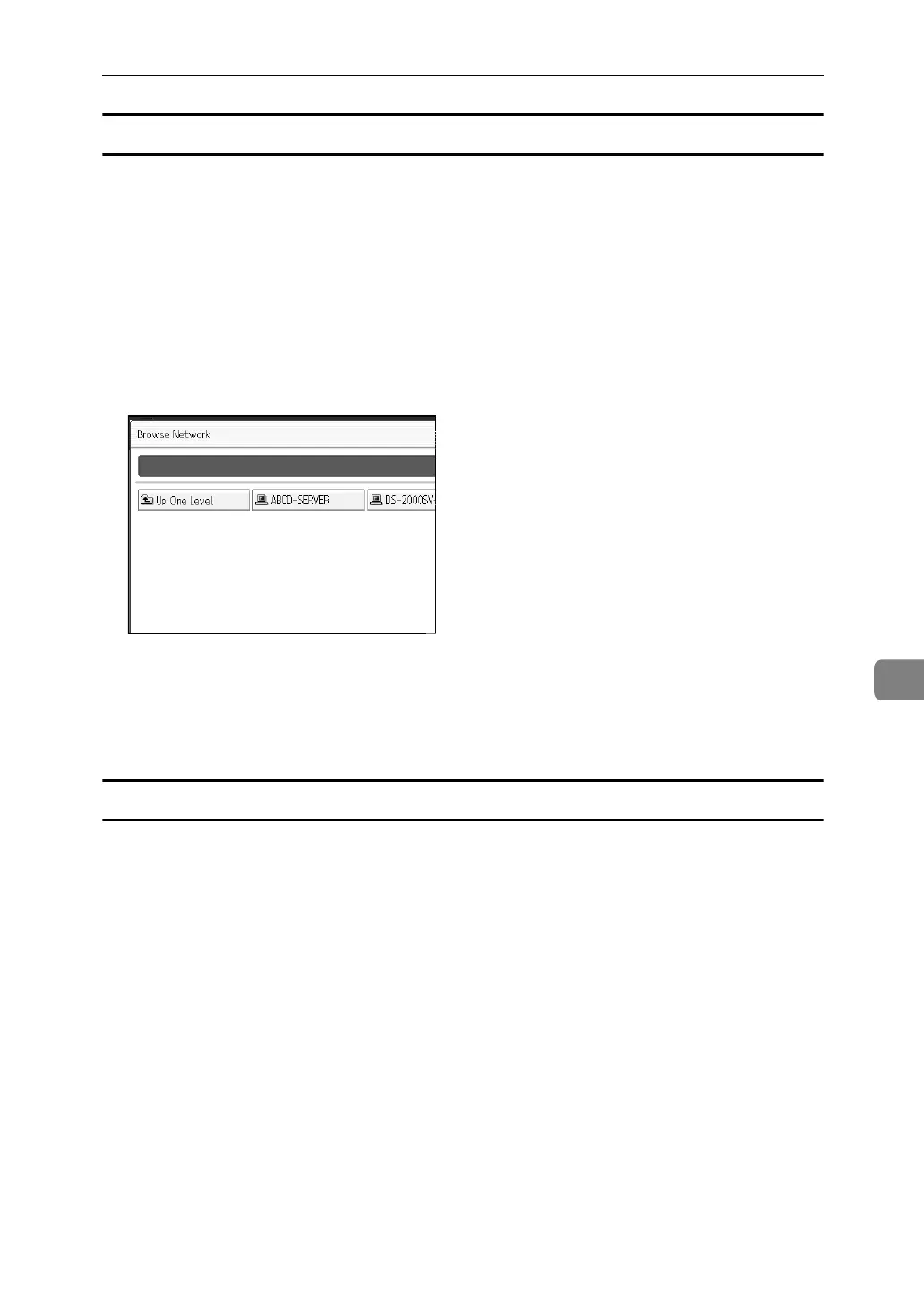
Using Browse Network to locate the folder
A Press [Browse Network].
Work groups on the same network are displayed.
Network display only lists client computers you are authorized to access.
B Select the work group.
Computers in the selected work group are displayed.
C Select a client computer.
Shared folders under it appear.
You can press [Up One Level] to switch between levels.
D Select the folder you want to register.
E [OK].
If a Login Screen Appears
This section explains how to log on to the machine if the login screen appears
when you try to access a folder by browsing the network.
If you have not specified folder authentication, or if an incorrect user name or
password has been entered for folder authentication, the login screen appears.
A Enter the login user name, and then press [OK].
Enter the login user name specified for folder authentication.
B Enter the password, and then press [OK].
The path to the selected folder appears.
If a message appears, press [Exit], and then enter the login user name and
password again.



 To Next Page