Registering Addresses and Users for Scanner Functions
210
7
D Check that [Program/Change] is selected.
E Select the name whose folder you want to change, and then press [Folder].
Press the name key, or enter the registered number using the number keys.
You can search by the registered name, user code, folder name, or e-mail address.
F Press [Folder].
G Select the items you want to change.
H Press [Connection Test] to check the path is set correctly.
I Press [OK].
J Press [Exit].
Note
❒ To change the name, key display and title, see “Changing a Registered Name”.
Reference
p.185 “Changing a Registered Name”
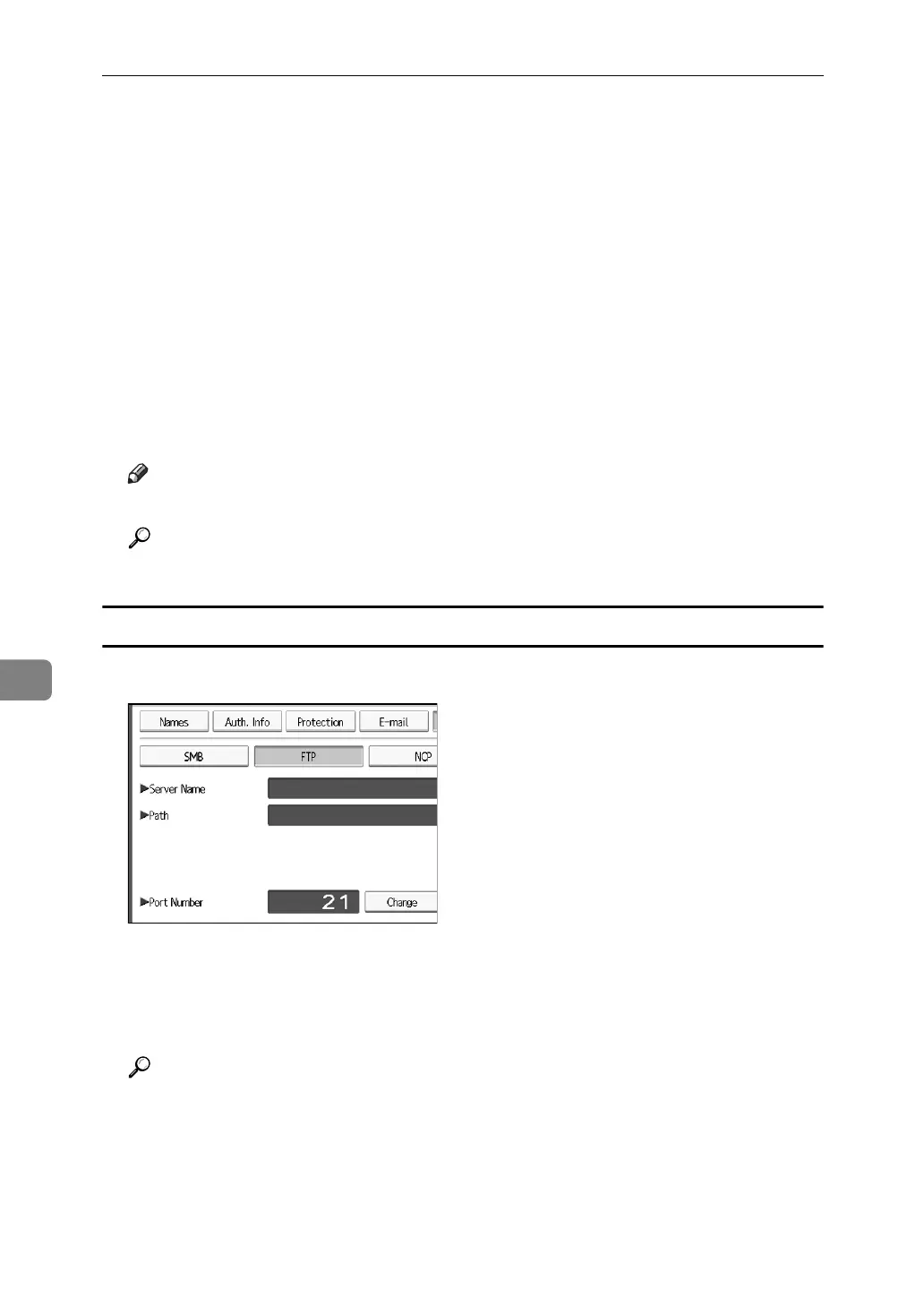
To change the protocol
A Press [SMB], or [NCP].
B A confirmation message appears.Press [Yes].
Changing the protocol will clear all settings made under the previous protocol.
C Enter each items again.
Reference
p.200 “Registering a Folder”



 To Next Page