Checking Machine Status and Settings
7
1
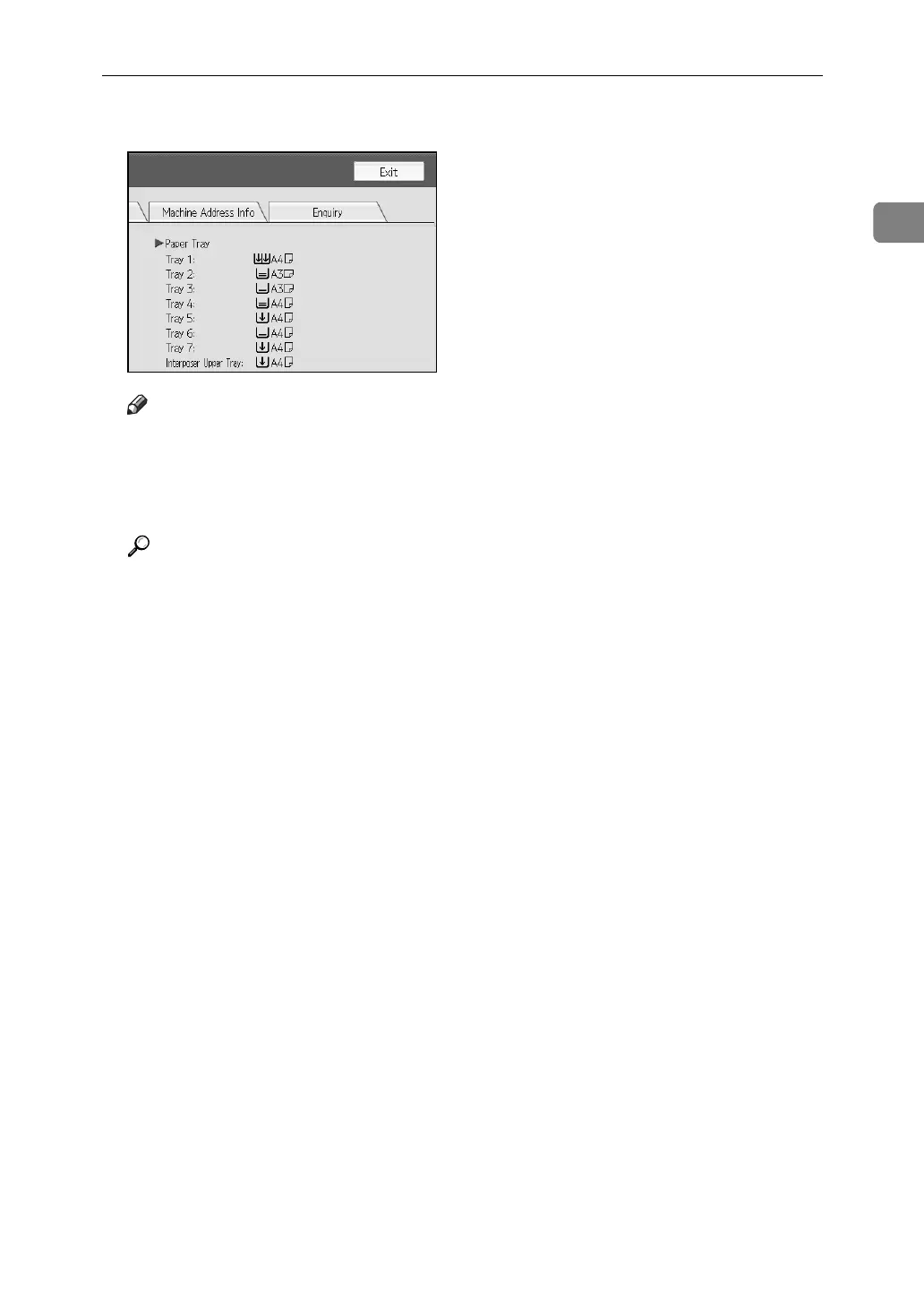
C After checking the information, press [Exit]. The previous screen returns.
Note
❒ [Output Tray Full], [Original Misfeed], [Paper Misfeed], and [Cover Open] appear
only when these errors occur.
❒ For details about how to locate and remove misfeeds, see “Checking
Jammed Paper” or “Removing Jammed Paper”.
Reference
p.94 “Locating Jammed Paper”.
p.93 “Removing Jammed Paper”.



 To Next Page