Adding paper, Toner and Staples
66
5
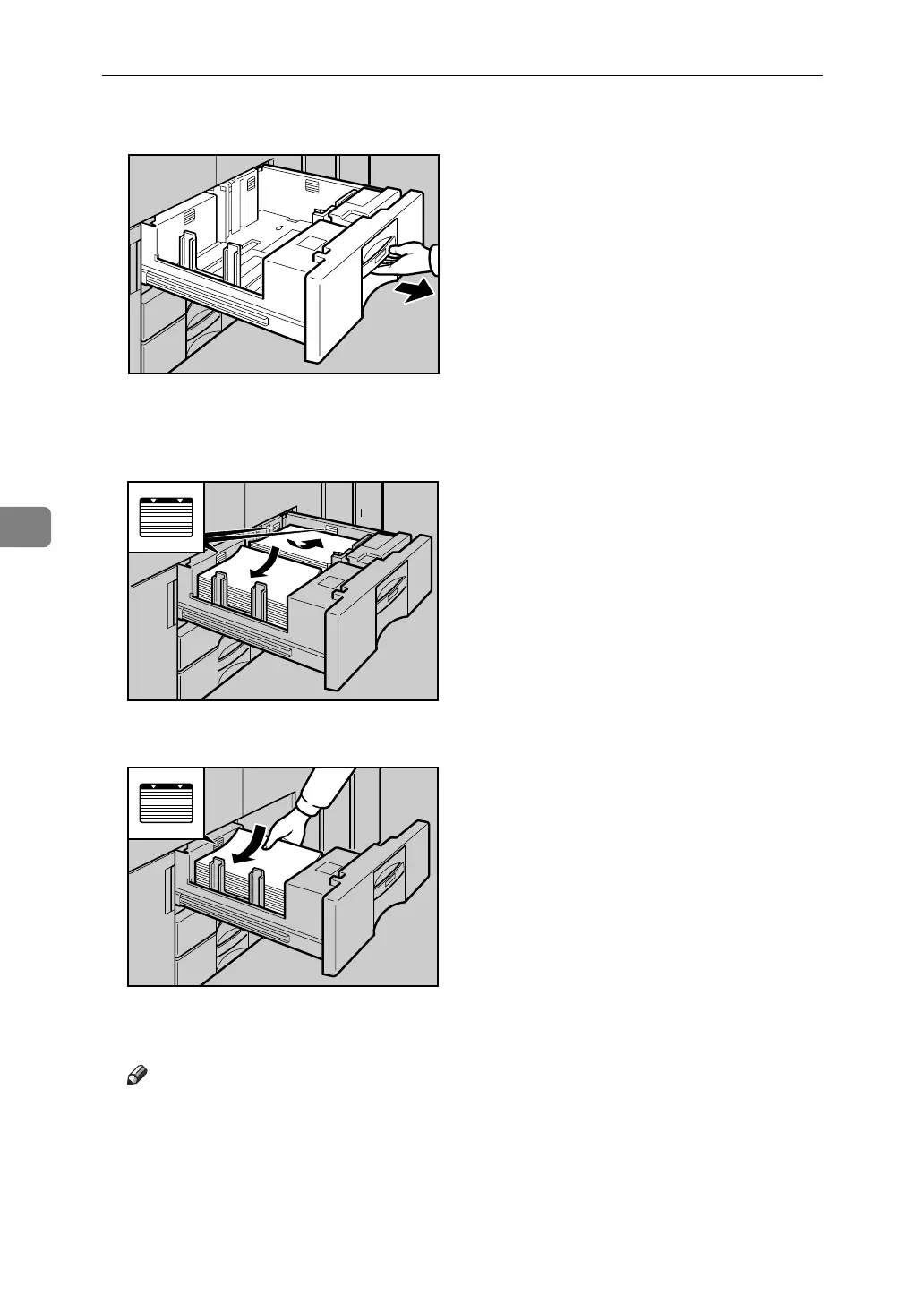
A Carefully pull out the paper tray until it stops.
B Square the paper and place it print side down.
• Whole tray pulled out
• Left half of the tray pulled out
C Carefully slide the paper tray fully in.
Note
❒ You can load paper even while making copies from Tray 1. You can pull
out the left half of the tray while copying is in.
ANQ001S
ANQ002S
ANQ003S



 To Next Page