Removing Jammed Paper
95
6
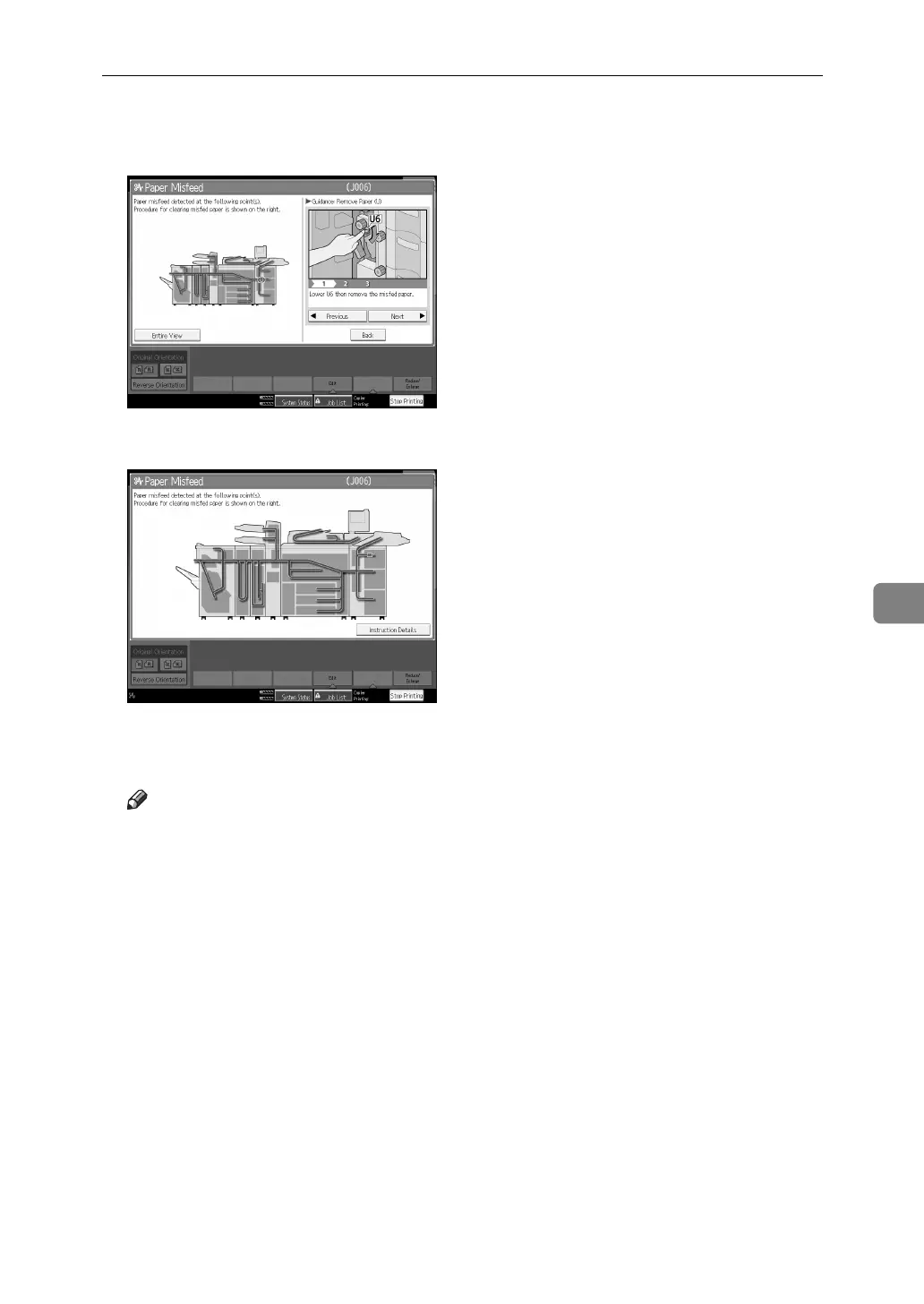
B After each step is complete, press [Next]. To go back to the previous step,
press [Previous].
C Press [Entire View], the entire machine is displayed.
D When all jammed paper are removed, restore the machine to the original
state.
Note
❒ More than one misfeed may be indicated. When this happens, check all the
areas indicated.



 To Next Page