Administrator Authentication
19
2
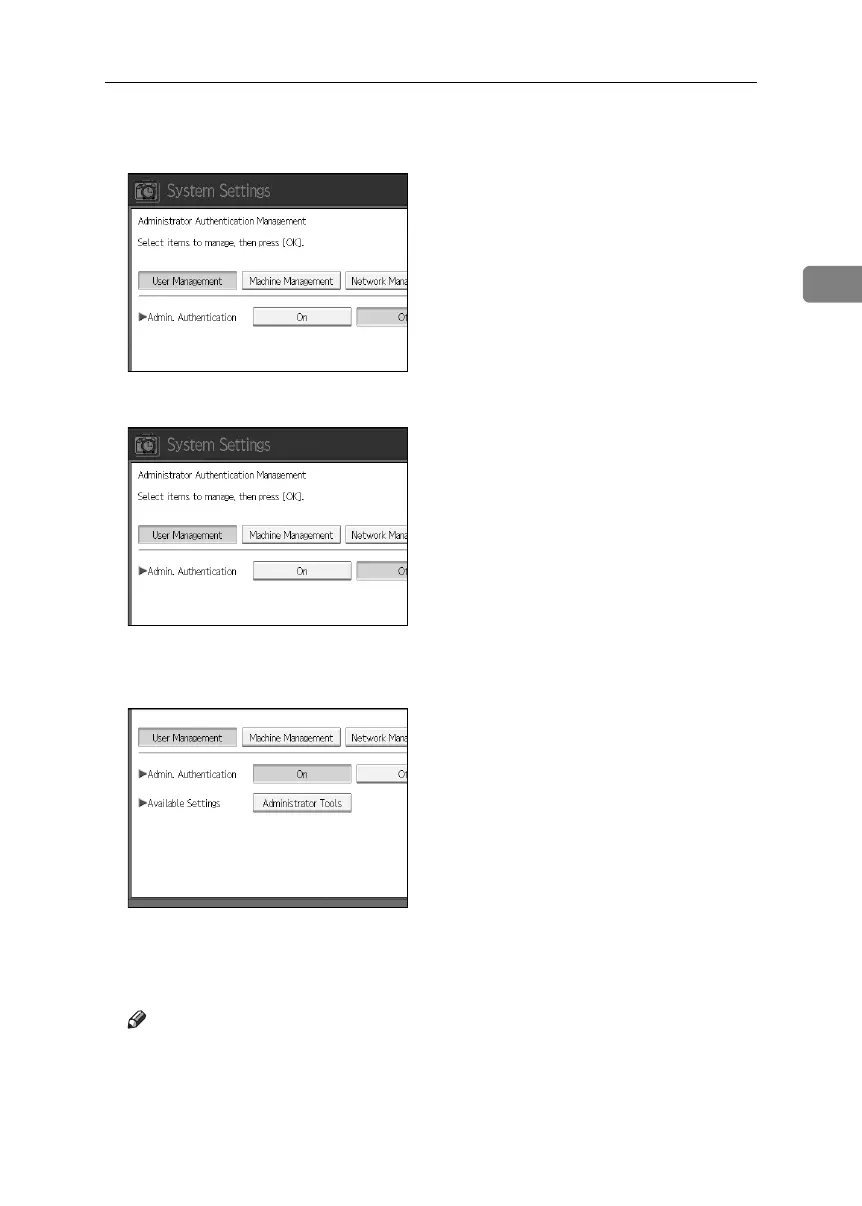
E Press the [User Management], [Machine Management], [Network Management], or
[File Management] key to select which settings to manage.
F Set “Admin. Authentication” to [On].
[Available Settings] appears.
G Select the settings to manage from “Available Settings”.
The selected settings will be unavailable to users.
[Available Settings] varies depending on the administrator.
For details about Available Settings, see
p.117 “Managing Access to the Machine”
Note
❒ To specify administrator authentication for more than one category, repeat
steps
E
to
G
.
H Press [OK].
I Press the {User Tools} key.
BelliniC3-EN_Sec_F_FM_forPaper.book Page 19 Friday, December 16, 2005 9:16 AM



 To Next Page