User Authentication
41
2
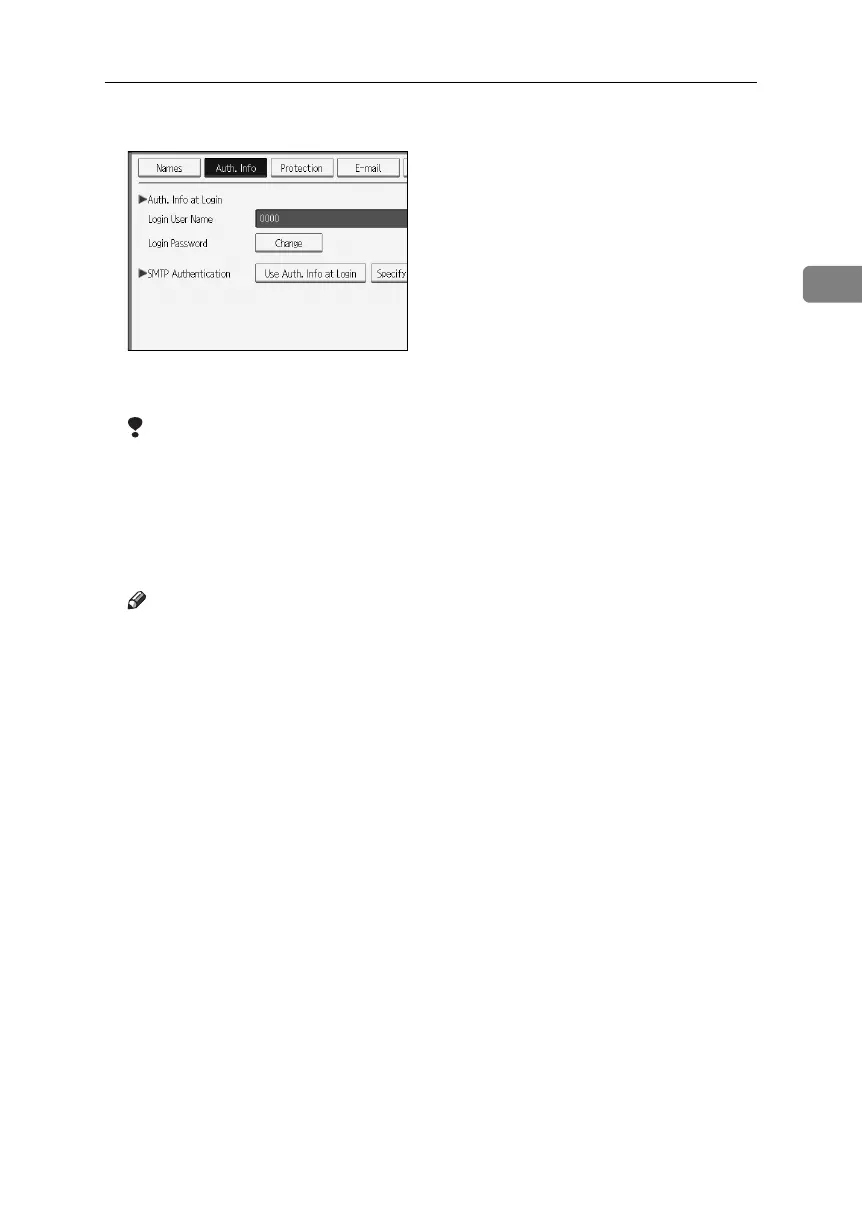
H Select [Use Auth. Info at Login] in “SMTP Authentication”.
If the setting to be specified does not appear, press [TNext] to scroll down to
other settings.
Limitation
❒ When using [Use Auth. Info at Login] for “SMTP Authentication”, “Folder
Authentication”, or “LDAP Authentication”, a user name other than “oth-
er” , “admin” , “supervisor” or “HIDE***” must be specified. The symbol
“***” represents any character.
❒ To use [Use Auth. Info at Login] for SMTP authentication, a login password
up to 128 characters in length must be specified.
Note
❒ For folder authentication, select [Use Auth. Info at Login] in “Folder Authen-
tication”.
❒ For LDAP authentication, select [Use Auth. Info at Login] in “LDAP Authen-
tication”.
I Press [OK].
J Press [Exit].
K Press the {User Tools} key.
BelliniC3-EN_Sec_F_FM_forPaper.book Page 41 Friday, December 16, 2005 9:16 AM



 To Next Page