Authentication and its Application
54
2
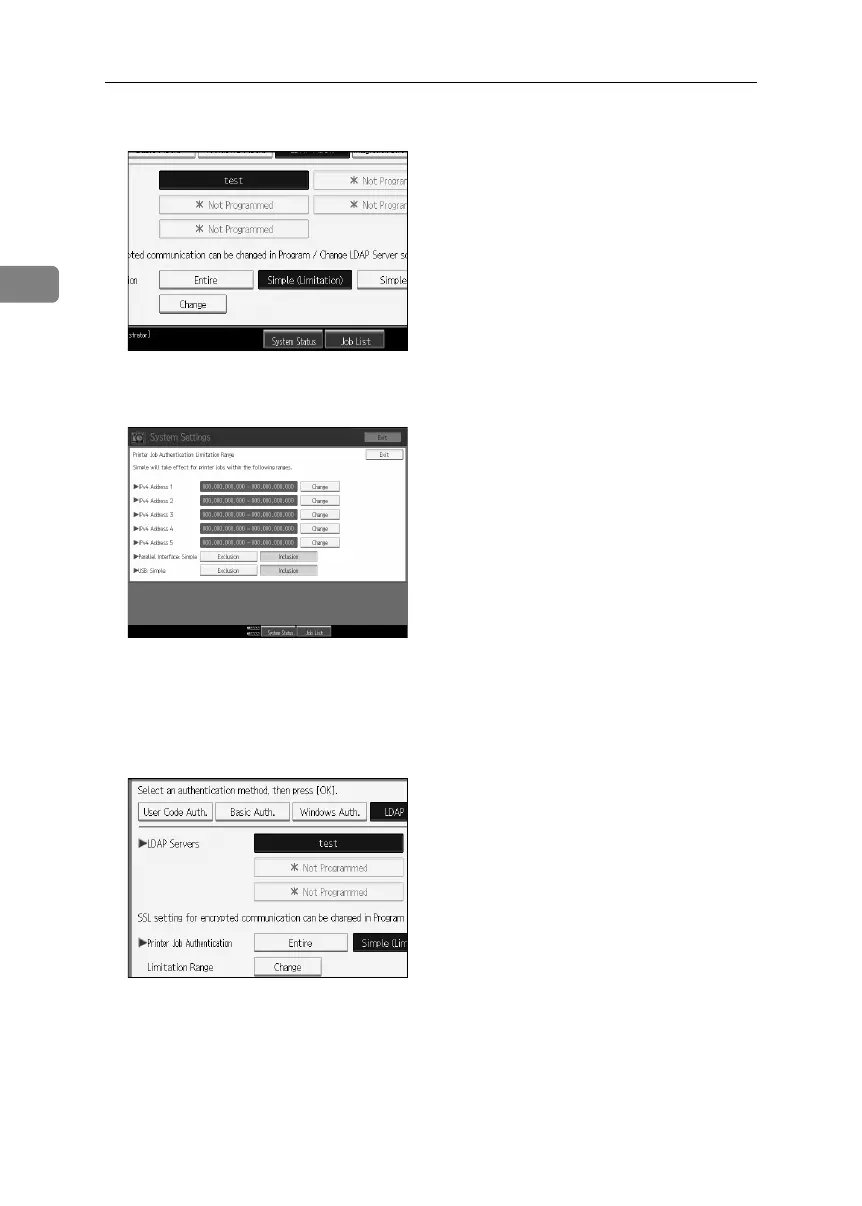
I Press [Change].
J Specify the range in which [Simple (Limitation)] is applied to Printer Job Au-
thentication.
You can specify the IPv4 address range to which this setting is applied, and
whether or not to apply the setting to the parallel and USB interfaces.
K Press [Exit].
L Select which of the machine’s functions you want to permit.
The selected settings will be available to users.
For details about limiting available functions, see p.121 “Limiting Available
Functions”.
BelliniC3-EN_Sec_F_FM_forPaper.book Page 54 Friday, December 16, 2005 9:16 AM



 To Next Page