Authentication and its Application
58
2
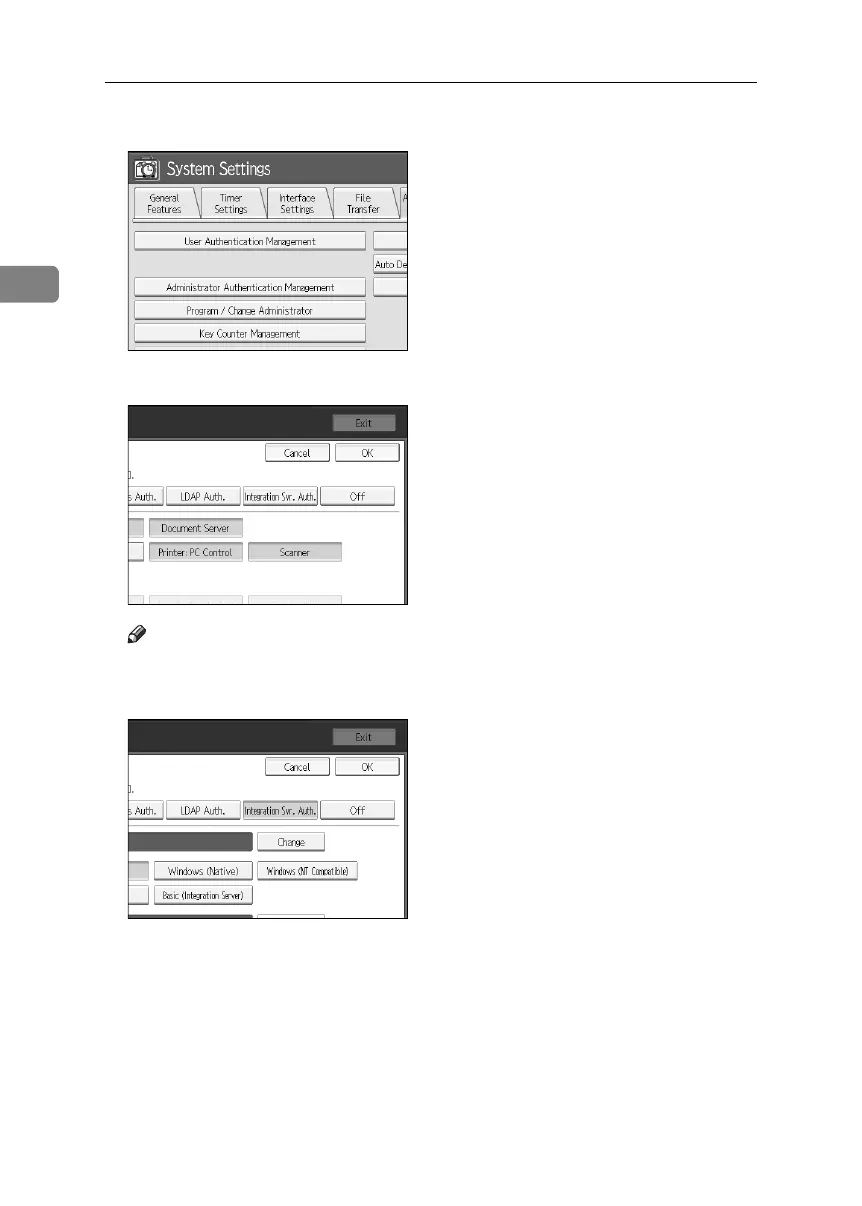
D Press [User Authentication Management].
E Select [Integration Server Authentication].
Note
❒ If you do not wish to use User Authentication Management, select [Off].
F Press [Change] for “Server Name”.
Specify the name of the server for external authentication.
BelliniC3-EN_Sec_F_FM_forPaper.book Page 58 Friday, December 16, 2005 9:16 AM



 To Next Page