Authentication and its Application
60
2
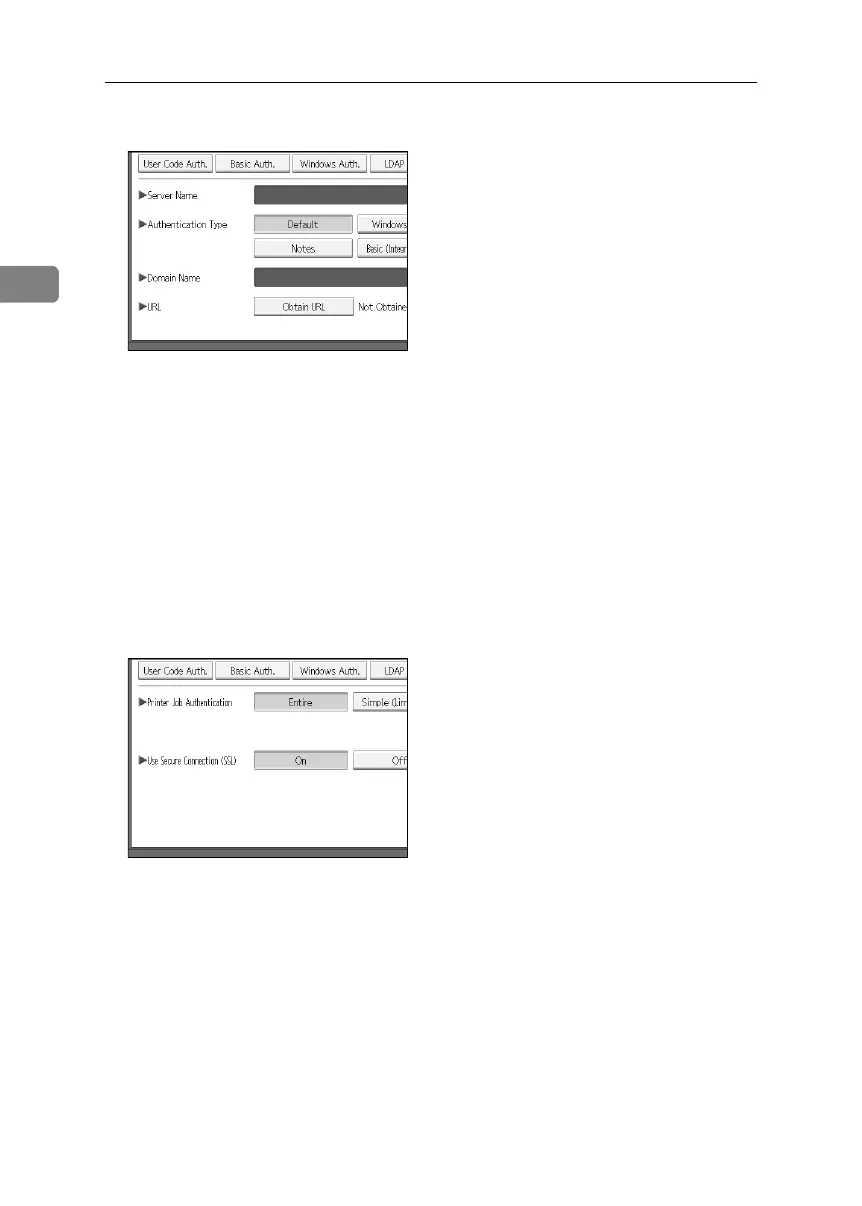
K Press [Obtain URL].
The machine obtains the URL of the server specified in [Server Name].
If the setting to be specified does not appear, press [TNext] to scroll down to
other settings.
If [Server Name] or the setting for enabling SSL is changed after obtaining the
URL, the “URL” is “Not Obtained”.
L Press [OK]
If you set “Authentication Type” to “Windows”, you can use the global
group. If you set “Authentication Type” to “Notes”, you can use the Notes
group. If you set “Authentication Type” to “Basic (Integration Server)”, you
can use the groups created using the Authentication Manager.
M Select the “Printer Job Authentication” level.
BelliniC3-EN_Sec_F_FM_forPaper.book Page 60 Friday, December 16, 2005 9:16 AM



 To Next Page