Preventing Information Leaks
96
3
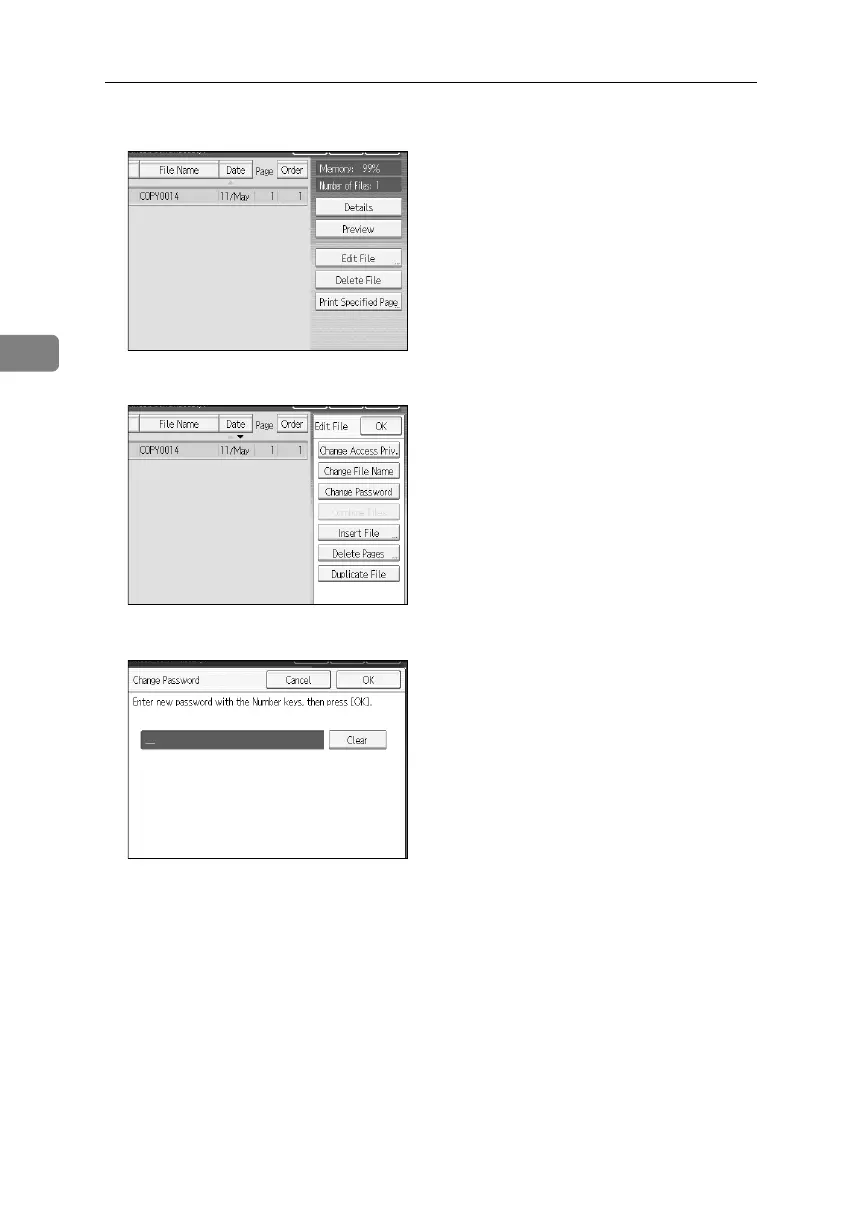
C Press [Edit File].
D Press [Change Password].
E Enter the password using the number keys.
You can use 4 to 8 numbers as the password for the stored file.
F Press [OK].
G Confirm the password by re-entering it using the number keys.
H Press [OK].
I Press [OK].
BelliniC3-EN_Sec_F_FM_forPaper.book Page 96 Friday, December 16, 2005 9:16 AM



 To Next Page