Enhanced Network Security
128
5
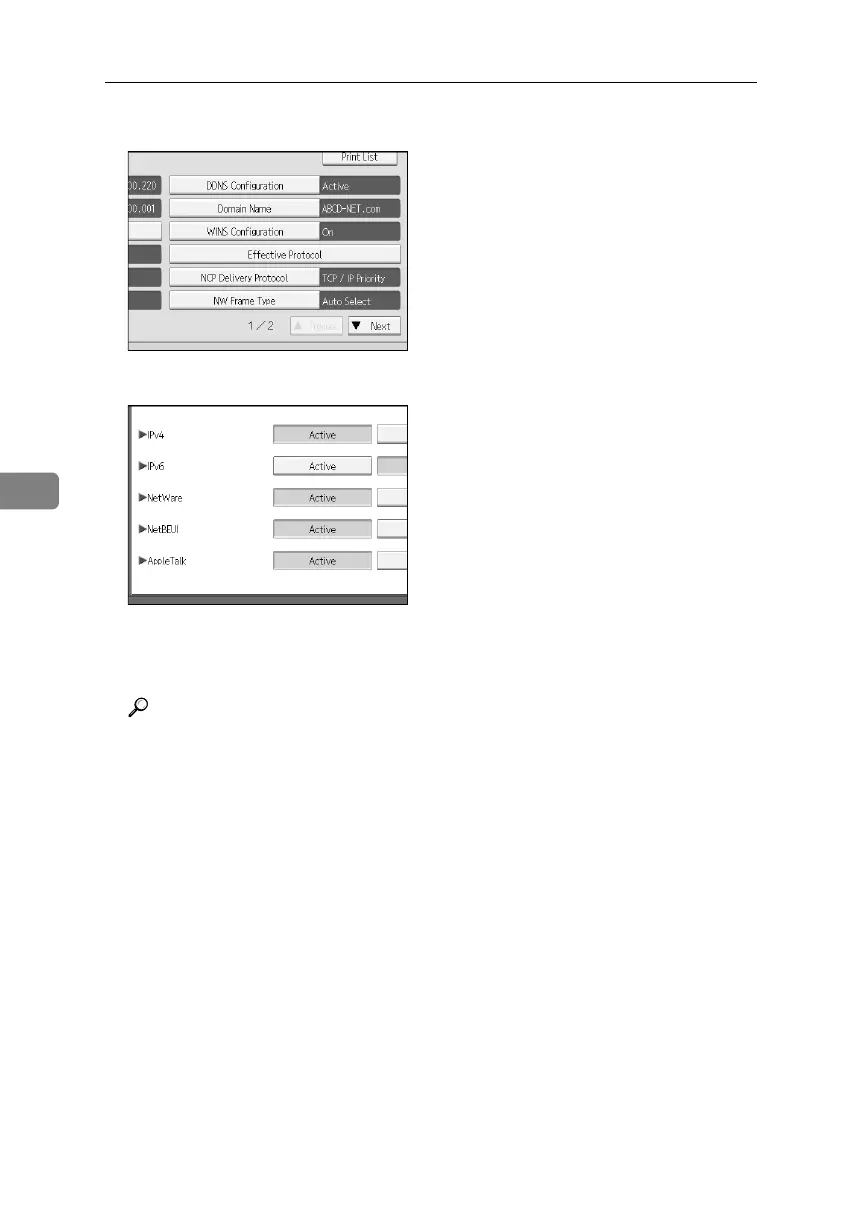
D Press [Effective Protocol].
E Press [Invalid] for the protocol you want to disable.
F Press [OK].
G Press the {User Tools} key.
Reference
Advanced network settings can be specified using Web Image Monitor.
For details, see the Web Image Monitor Help.
BelliniC3-EN_Sec_F_FM_forPaper.book Page 128 Friday, December 16, 2005 9:16 AM



 To Next Page