Preventing Unauthorized Access
131
5
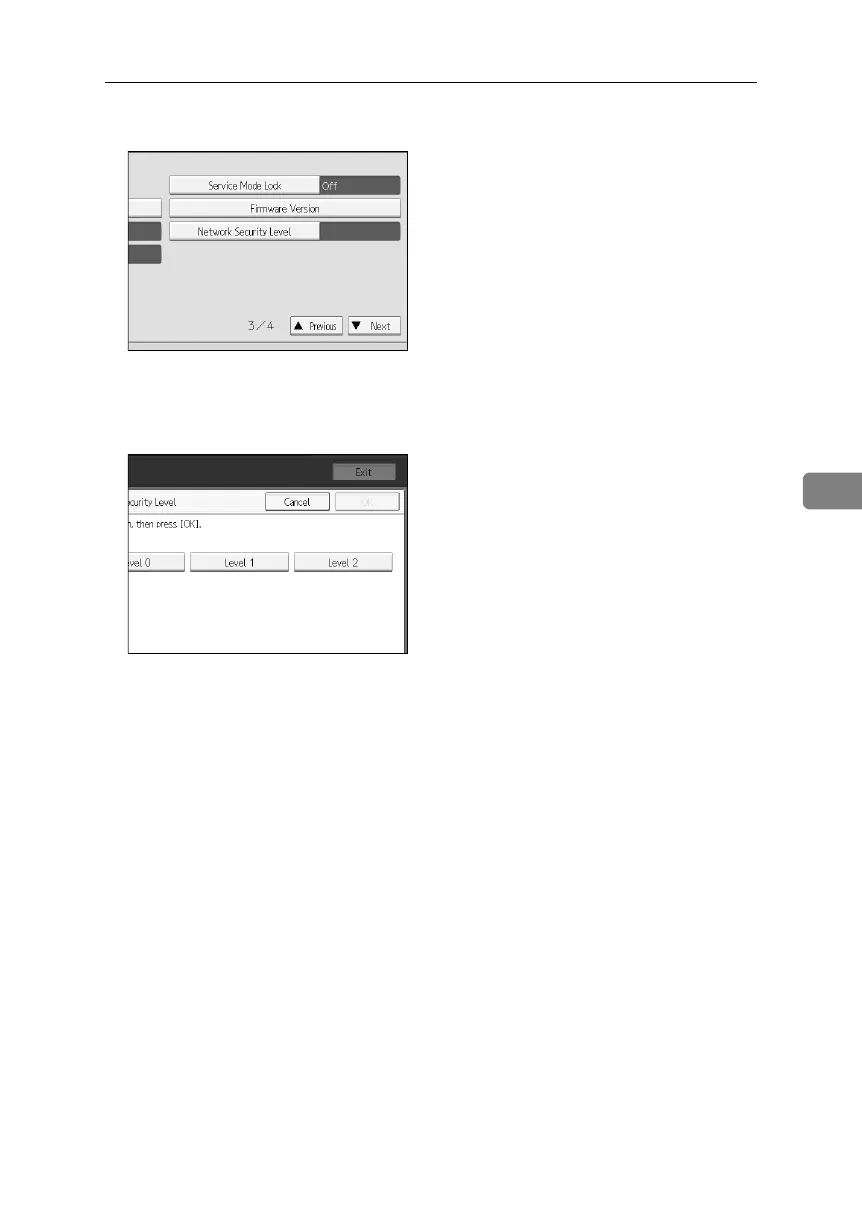
D Press [Network Security Level].
If the setting you want to specify does not appear, press [TNext] to scroll
down to other settings.
E Select the network security level.
Select [Level 0], [Level 1], or [Level 2].
F Press [OK].
G Press [Exit].
H Press the {User Tools}key.
BelliniC3-EN_Sec_F_FM_forPaper.book Page 131 Friday, December 16, 2005 9:16 AM



 To Next Page