Copying
44
2
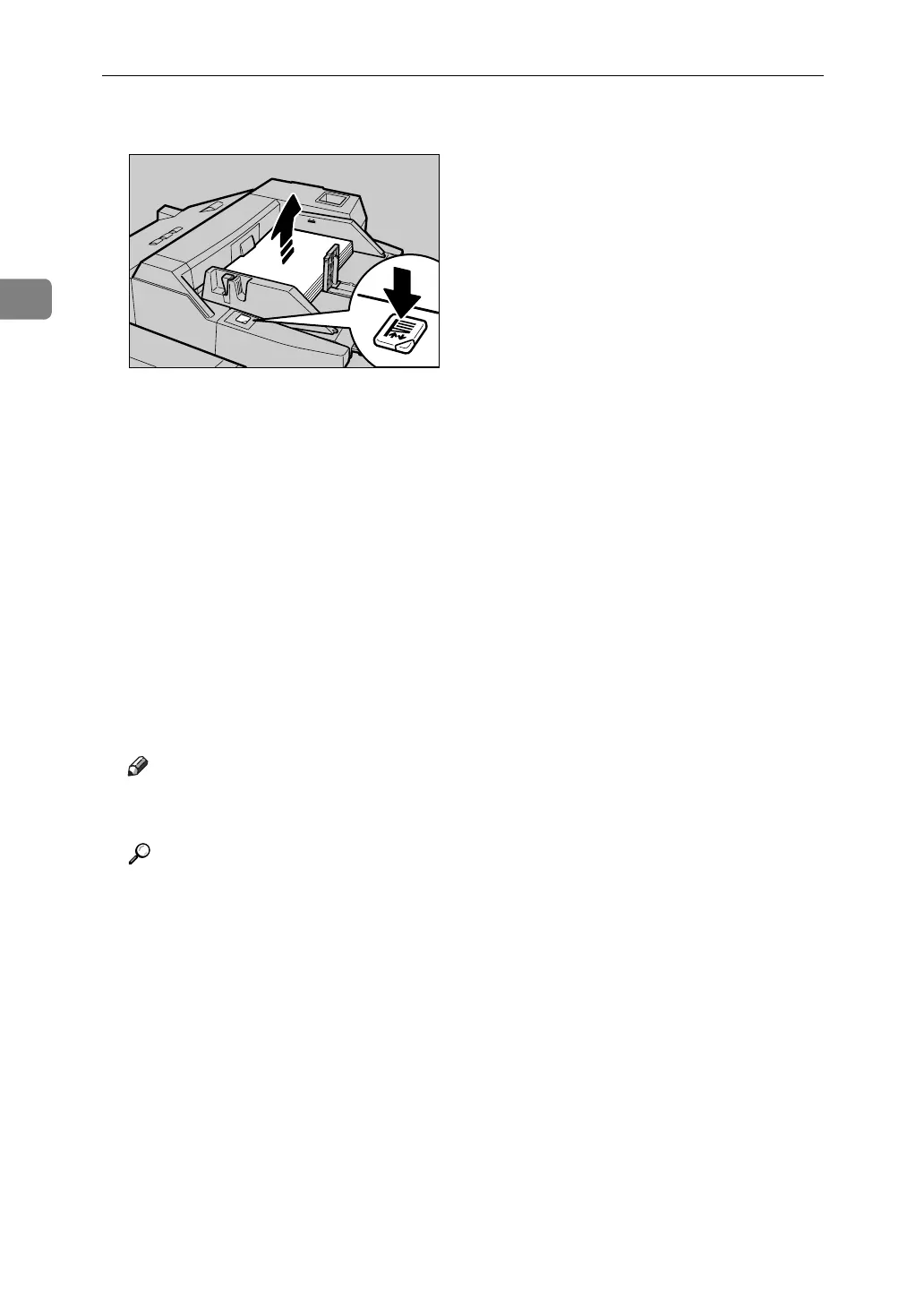
E Press the elevator switch on the multi bypass tray (Tray 7).
The green lamp of the elevator switch is blinking while the original table is
going up and down, and keeps lit when it stops.
Press the elevator switch to move down the original table if you want to either
add paper or remove jammed ones.
F Select the multi bypass tray (Tray 7) on the control panel.
G Press the {q} key.
H Select paper size and type.
I Press [OK].
J Place originals, and then press the {Start} key.
K When the copy job is finished, press the {Clear Modes} key to clear the settings.
Note
❒ When the Sort function is selected, press the {q} key after all originals
have been scanned.
Reference
“Copy Paper”, About This Machine
APF030S



 To Next Page