Copier Functions
87
2
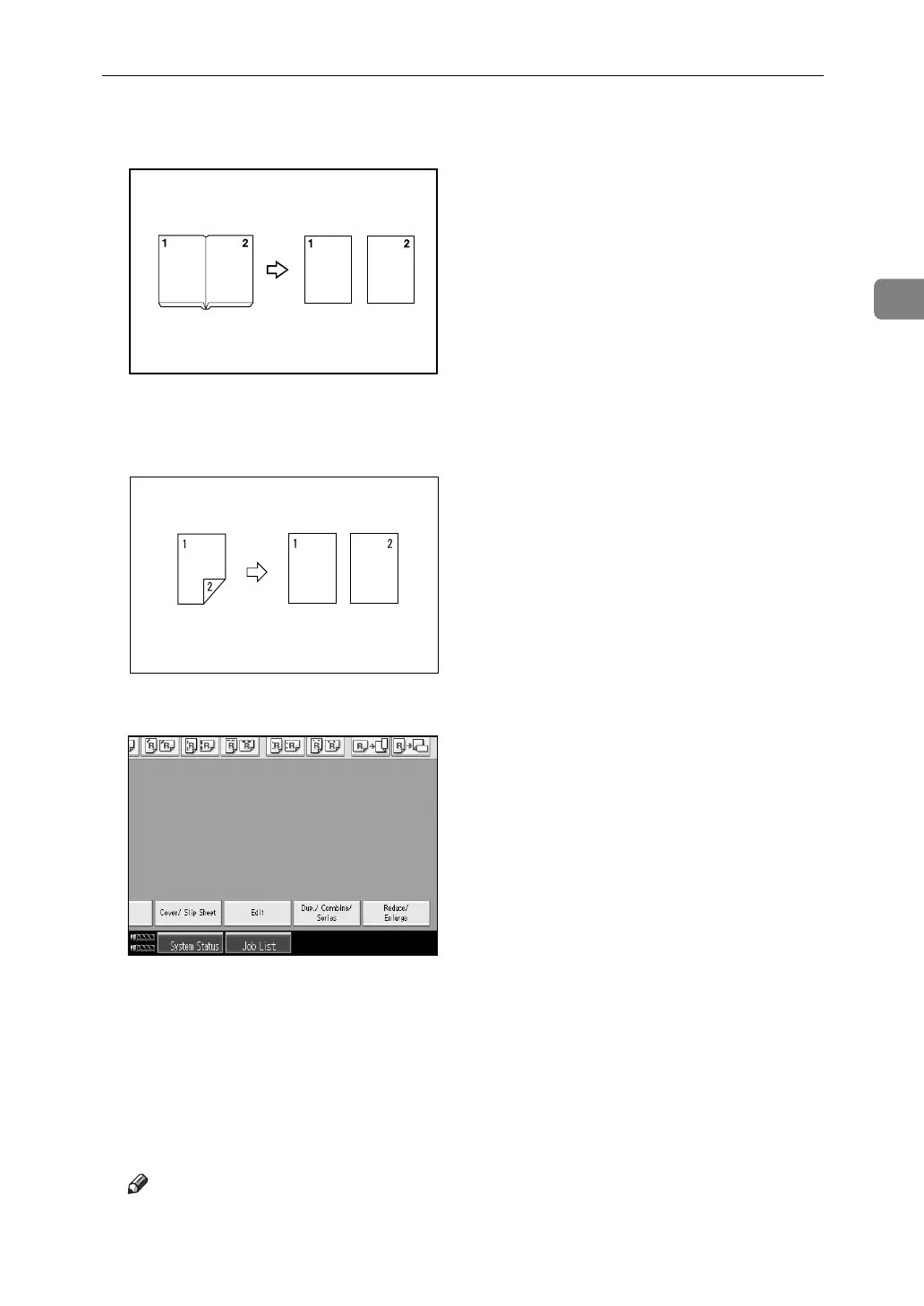
❖ Book → 1 Sided
You can make one-sided copies from two facing pages of a bound original (book).
❖ 2 Sided → 1 Sided
You can make one-sided copies from two-sided originals.
A Press [Dup./ Combine/ Series].
B Press [Series].
C Select [2 Sided→1 Sided] or [Book→1 Sided], and then press [OK].
If you selected [2 Sided→1 Sided], you can change the orientation.
D Press [OK].
E Place the original on the exposure glass, and then press the {Start} key.
Note
❒ If you selected [Book→1 Sided], press the {q} key after all originals have
been scanned.
CP2B0100



 To Next Page