Copying
126
2
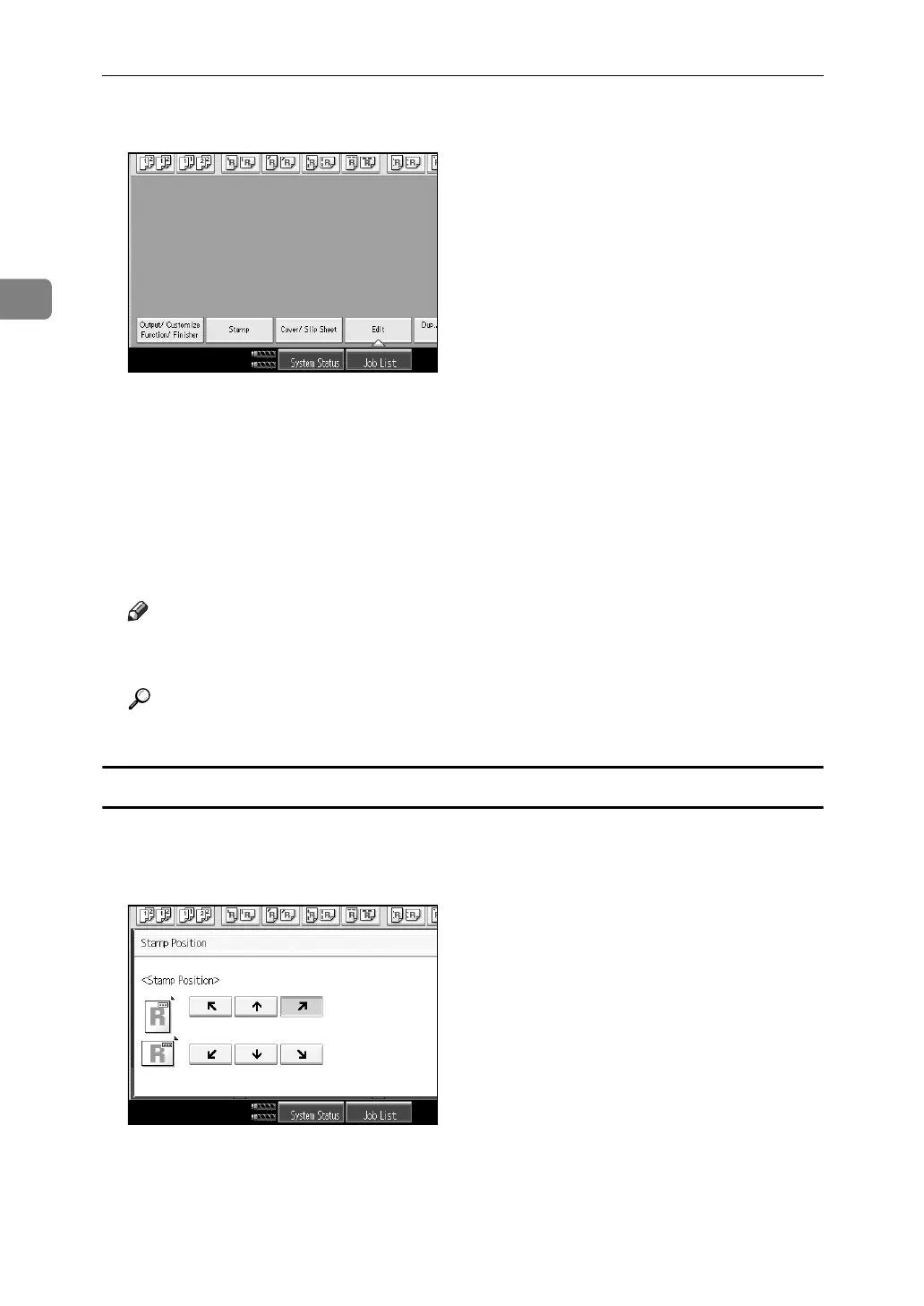
A Press [Stamp].
B Press [Stamp Text].
C Press [Change Text].
D Enter stamp text, and then press [OK].
E Press [All Pages] or [1st Page Only] to select the print page.
F Place originals, and then press the {Start} key.
Note
❒ If the Main Power is turned off, the text is cleared. To save the typed text,
you can program them.
Reference
“Stamp”, General Settings Guide
Changing the stamp position
A Press [Change] under Stamp Position.
B Select the desired position, and then press [OK].



 To Next Page