Copying
140
2
A Set the tray for the slip sheet.
The paper for slip sheets should be of the same size as the copy paper and also
be set in the same direction.
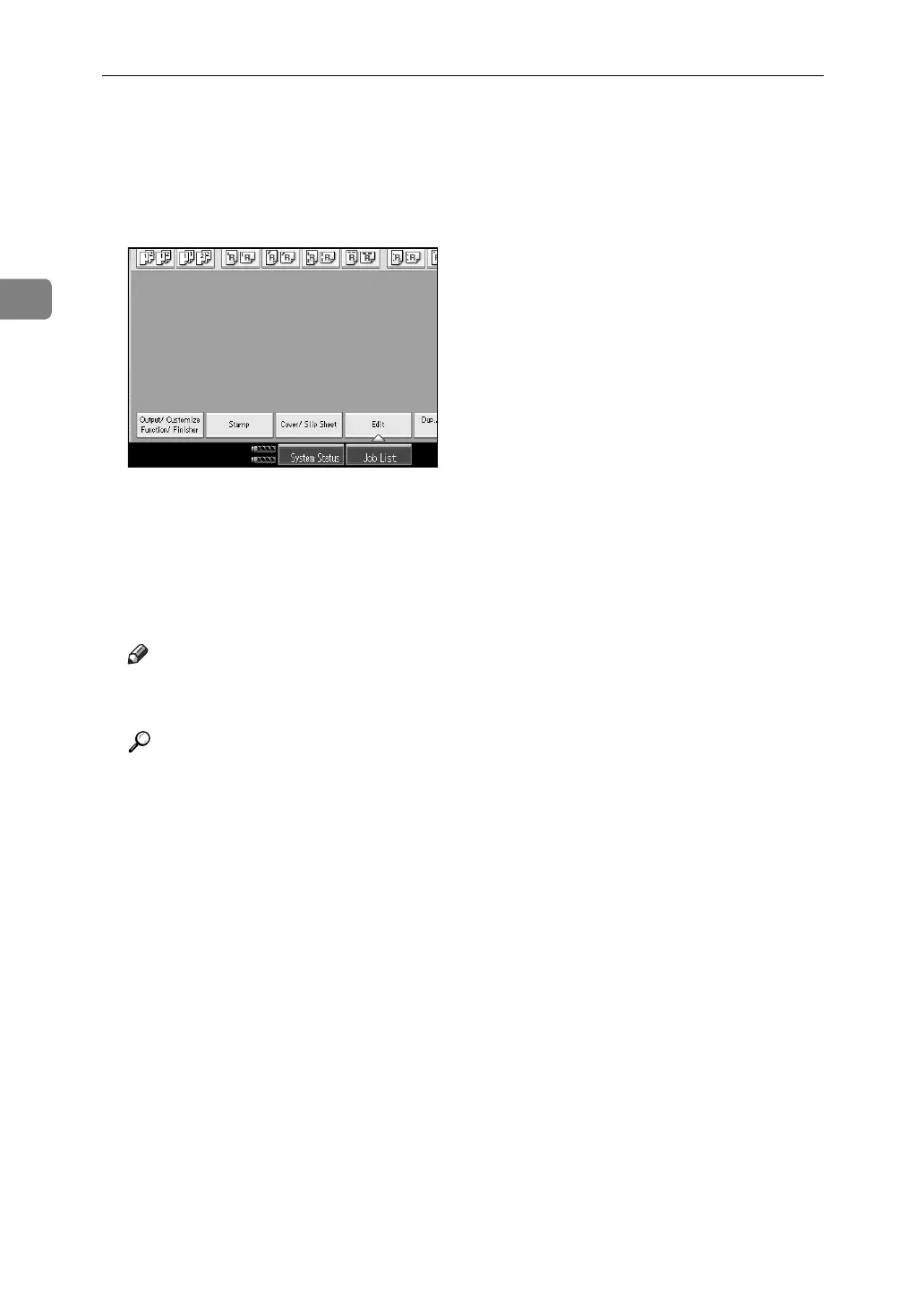
B Press [Cover/ Slip Sheet].
C Select [Copy] or [Blank], and then press [OK].
D Select the paper tray that contains the sheet paper to copy the originals.
When using OHP transparencies, open the multi bypass tray.
E Place the originals, and then press the {Start} key.
Note
❒ When loading OHP transparencies, press the {q} key and then select
[OHP (Transparency)] in the special paper settings.
Reference
p.34 “When copying onto OHP Transparencies”
“Tray Paper Settings”, General Settings Guide



 To Next Page