Using the Document Server
175
4
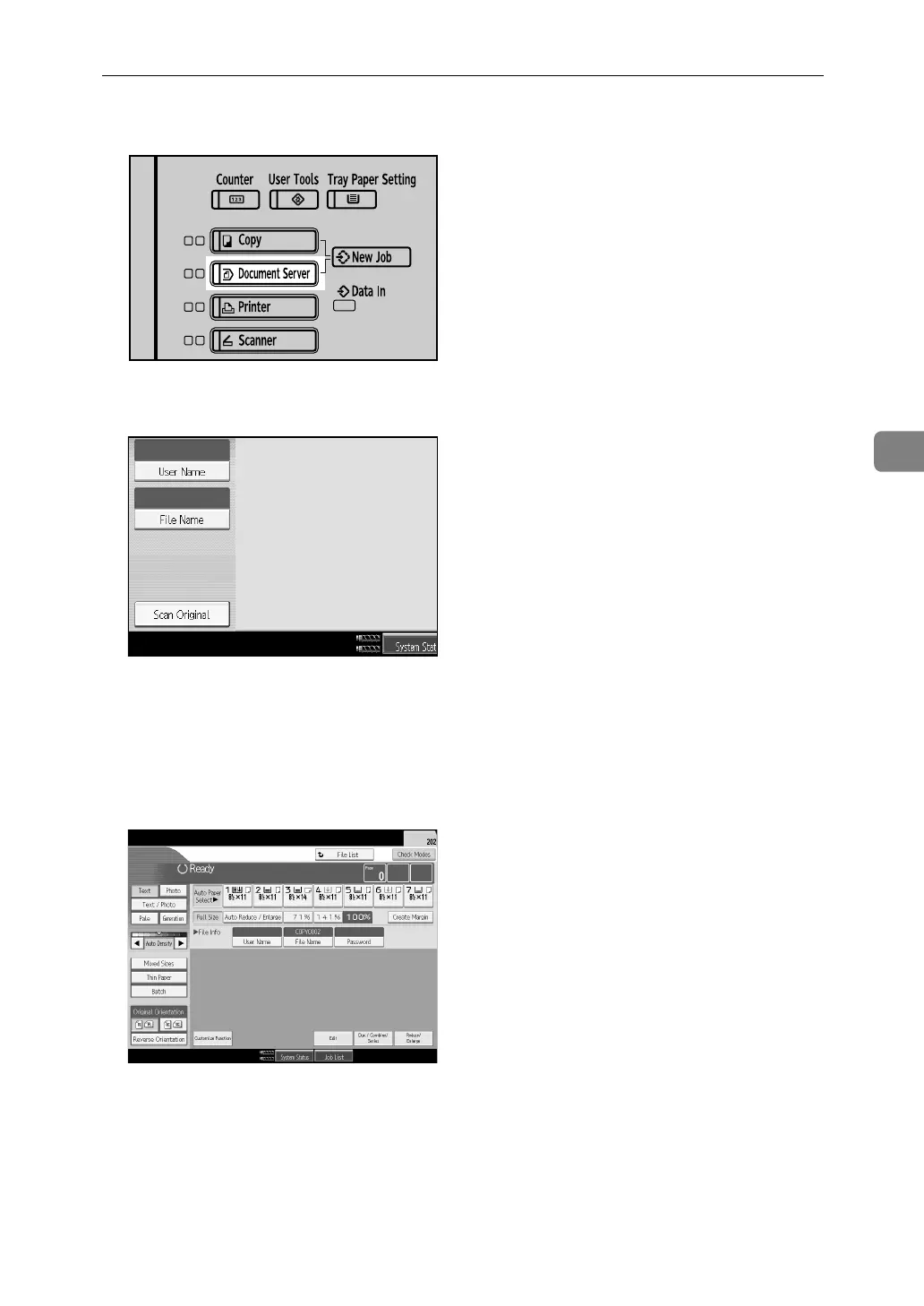
A Press the {Document Server} key.
B Press [Scan Original].
C Above operation sets up the user name, document name and password.
When not changing a document name, the name will be automatically set.
D Set the original.
E Specify the original scanning conditions.
F Press the {Start} key.
The original is scanned. The document is saved in the Document Server.
APG055S



 To Next Page