Supplementary Information
201
5
• When [Staple: Center] is selected, copies are stapled using the saddle stitch
stapler, folded in half and then delivered.
• When [Staple: Center] is selected with the Booklet or Magazine function,
copies are stapled using the saddle stitch stapler, folded like a magazine
and then delivered.
❖ Punch
• With certain Punch function settings, the Rotate function cannot be used.
• Since punch holes are made in each copy, positions vary slightly.
• Punchable paper sizes are as follows:
❖ Z-fold
• You cannot use the following copy paper with this function:
• Special paper
• Translucent paper
• Letterhead
• Thick paper
•Tab stock
• OHP transparencies
• Label paper (adhesive labels)
•Postcards
• Paper sizes that can be Z-folded are as follows:
• Finisher upper tray/ shift tray
A3L, B4 JISL, A4L, 11" × 17"L, 8
1
/
2
" × 14"L, 8
1
/
2
" × 11"L
• The number of Z-folded copies that can be stacked on the finisher trays are
as follows. When the number of copies exceeds capacity, remove them
from the trays.
• Finisher upper tray/Finisher shift tray: 30 sheets
• The paper sizes that can be stapled after being Z-folded are A3L, B4 JISL
and 11" × 17"L.
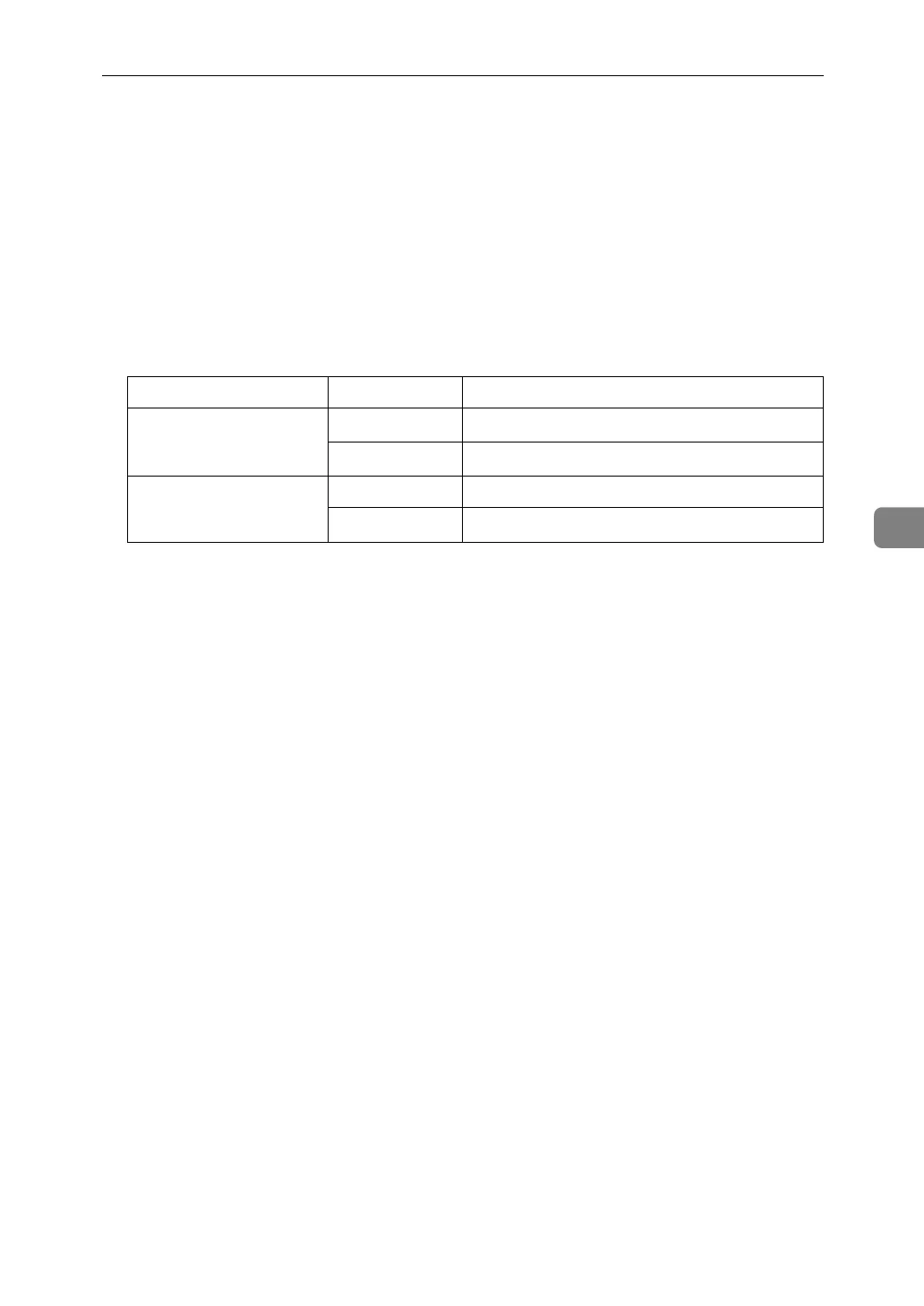
Punch unit type Direction Paper size
2 holes type L
A3-A6, 11" × 17"-5
1
/
2
" × 8
1
/
2
"
K
A4-A5, 8
1
/
2
" × 11", 5
1
/
2
" × 8
1
/
2
"
3 holes type L A3, B4 JIS, 11" × 17"
K
A4, B5 JIS, 8
1
/
2
" × 11"


 To Next Page