OnAir 3000 Digital Mixing Console
5-114 Operation
Document generated: 10.10.14
SW V6.0
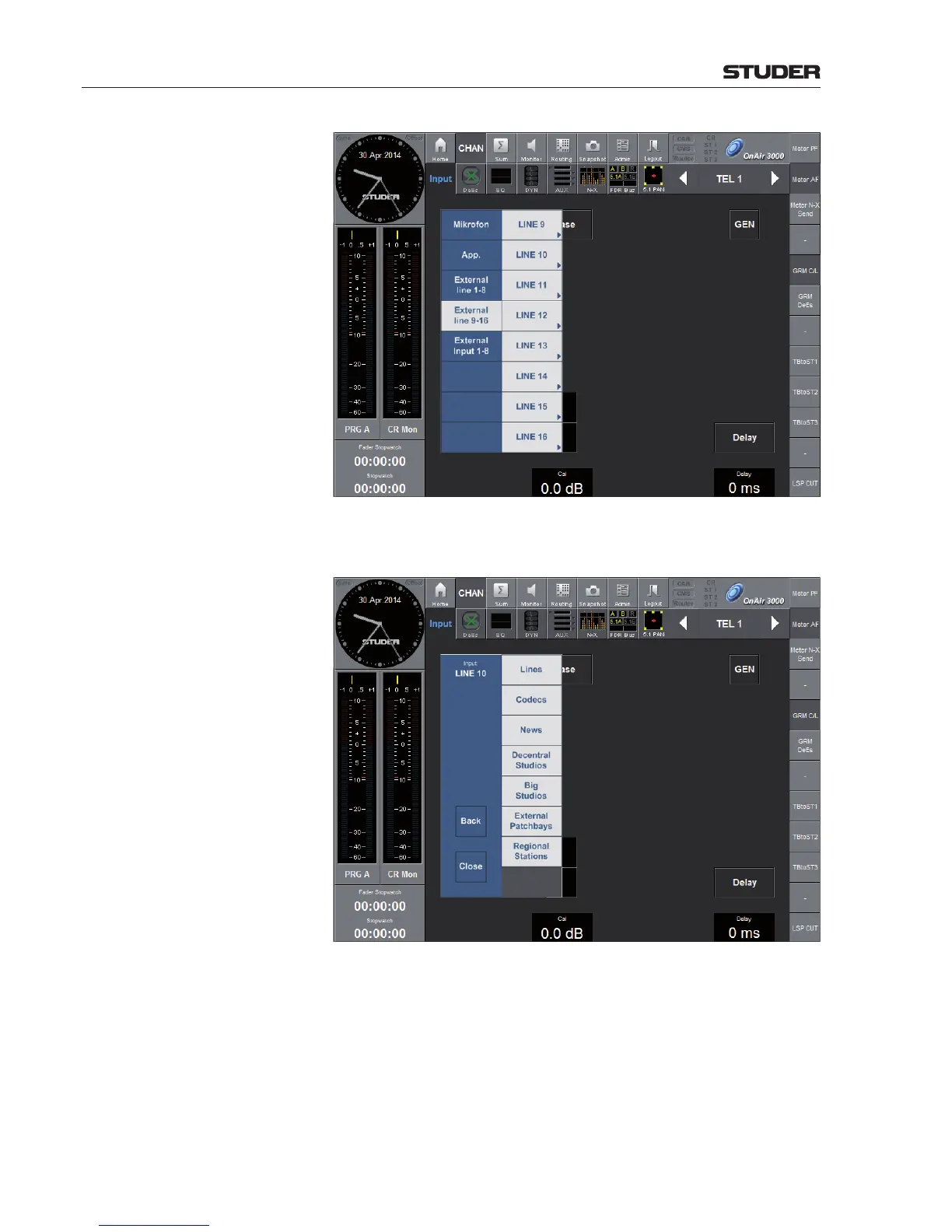
After selecting an external line by touching one of the Line... buttons, a list
with the different router groups opens.
In our example, the Codecs button opens a list of all sources provided by
the selected router group (codecs in our example) available for selection; it
also indicates the current codec status.



 To Next Page