Altera Corporation 4–39
June 2006 Stratix Device Handbook, Volume 2
Selectable I/O Standards in Stratix & Stratix GX Devices
Device & Pin Options
Click Device & Pin Options in the Compiler Settings dialog box to
access the I/O pin settings. For example, in the Voltage tab you can select
a default I/O standard for all pins for the targeted device. I/O pins that
do not have a specific I/O standard assignment default this standard.
Click OK when you are done setting I/O pin options to return to the
Compiler Settings dialog box.
Assign Pins
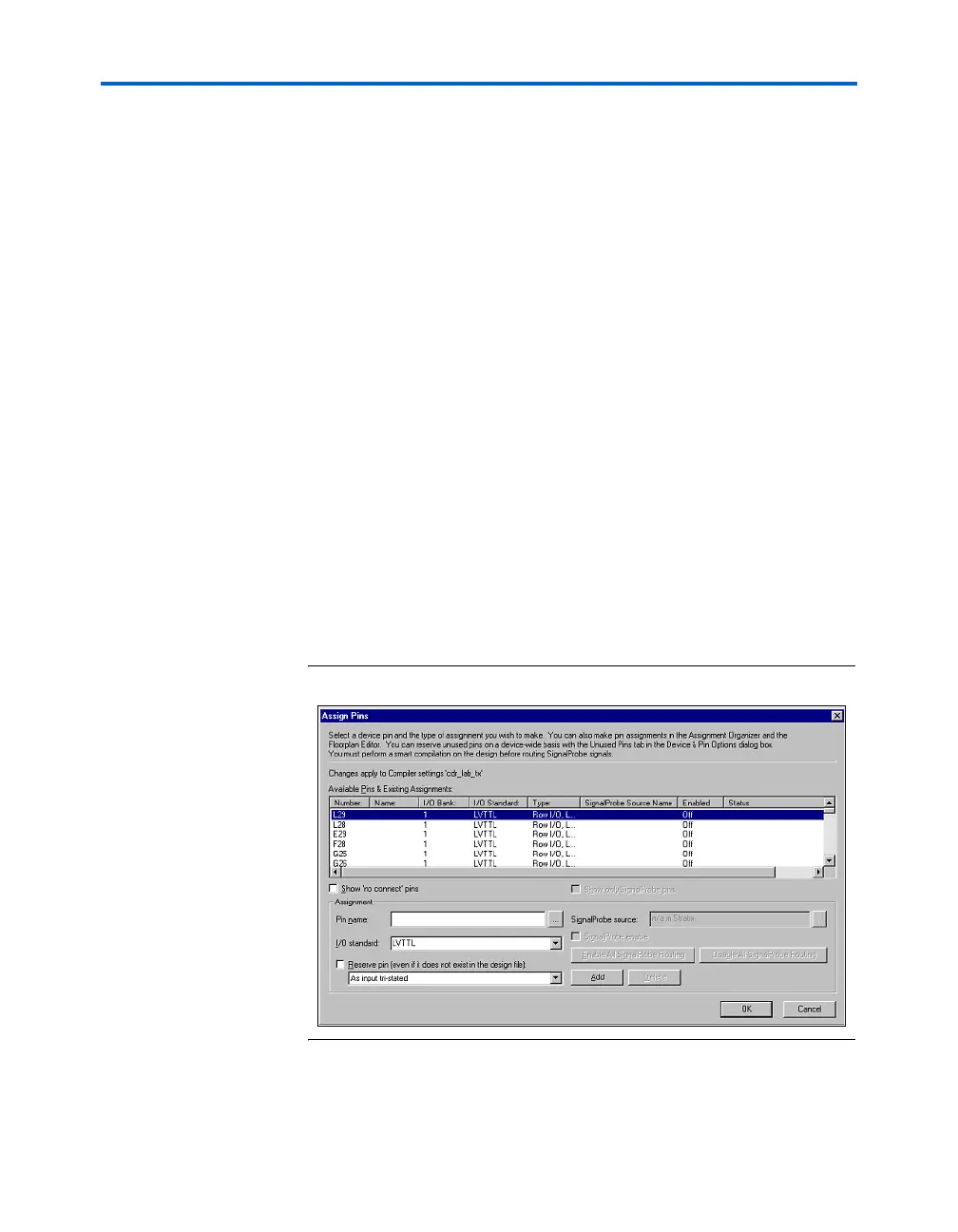
Click Assign Pins in the Compiler Settings dialog box to view the
device’s pin settings and pin assignments (see Figure 4–23). You can view
the pin settings under Available Pins & Existing Assignments. The
listing does not include V
REF
pins because they are dedicated pins. The
information for each pin includes:
■ Number
■ Name
■ I/O Bank
■ I/O Standard
■ Type (e.g., row or column I/O and differential or control)
■ SignalProbe Source Name
■ Enabled (that is, whether SignalProbe routing is enabled or disabled
■ Status
Figure 4–23. Assign Pins



 To Next Page