5–6 Altera Corporation
Stratix Device Handbook, Volume 2 July 2005
Principles of SERDES Operation
signaling, you can configure them as any of the other supported I/O
standards. DDRIO capabilities are detailed in “SERDES Bypass DDR
Differential Signaling” on page 5–42.
Principles of
SERDES
Operation
Stratix devices support source-synchronous differential signaling up to
840 Mbps. Serial data is transmitted and received along with a low-
frequency clock. The PLL can multiply the incoming low-frequency clock
by a factor of 1 to 10. The SERDES factor J can be 4, 7, 8, or 10 and does not
have to equal the clock multiplication value.
×1 and ×2 operation is also
possible by bypassing the SERDES; it is explained in “SERDES Bypass
DDR Differential Interface Review” on page 5–42.
On the receiver side, the high-frequency clock generated by the PLL shifts
the serial data through a shift register (also called deserializer). The
parallel data is clocked out to the logic array synchronized with the low-
frequency clock. On the transmitter side, the parallel data from the logic
array is first clocked into a parallel-in, serial-out shift register
synchronized with the low-frequency clock and then transmitted out by
the output buffers.
There are four dedicated fast PLLs in EP1S10 to EP1S25 devices, and eight
in EP1S30 to EP1S80 devices. These PLLs are used for the SERDES
operations as well as general-purpose use.
The differential channels and the high-speed PLL layout in Stratix
devices are described in the “Differential I/O Interface & Fast PLLs”
section on page 5–16.
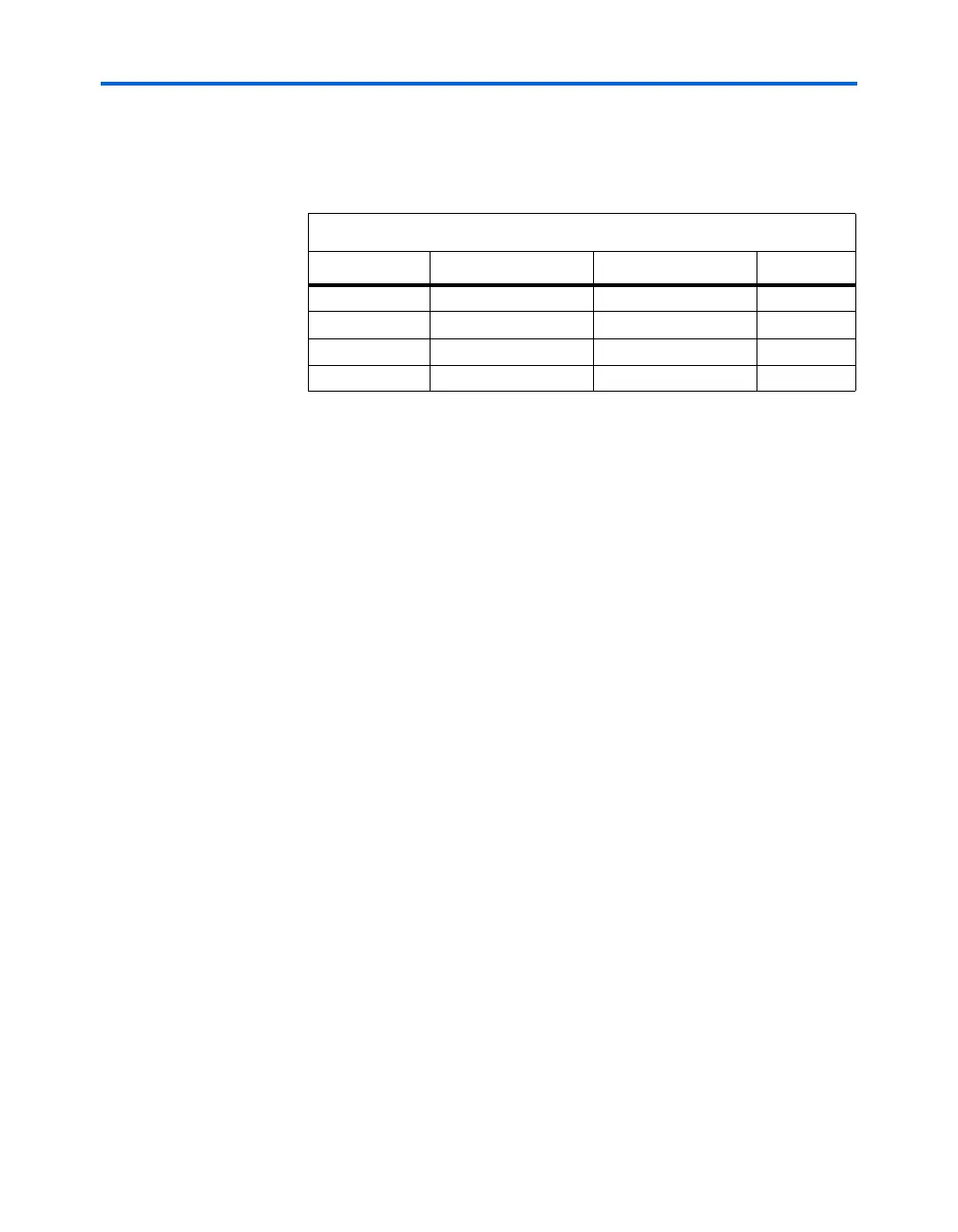
Table 5–1. I/O Pin Locations on Each Side of Stratix Devices
Device Side (1) Differential Input Differential Output DDRIO
Left vvv
Right vvv
To p v
Bottom v
Note to Ta b le 5 – 1 :
(1) Device sides are relative to pin A1 in the upper left corner of the device (top view
of the package).



 To Next Page