12–6 Altera Corporation
Stratix Device Handbook, Volume 2 September 2004
Remote Configuration Operation
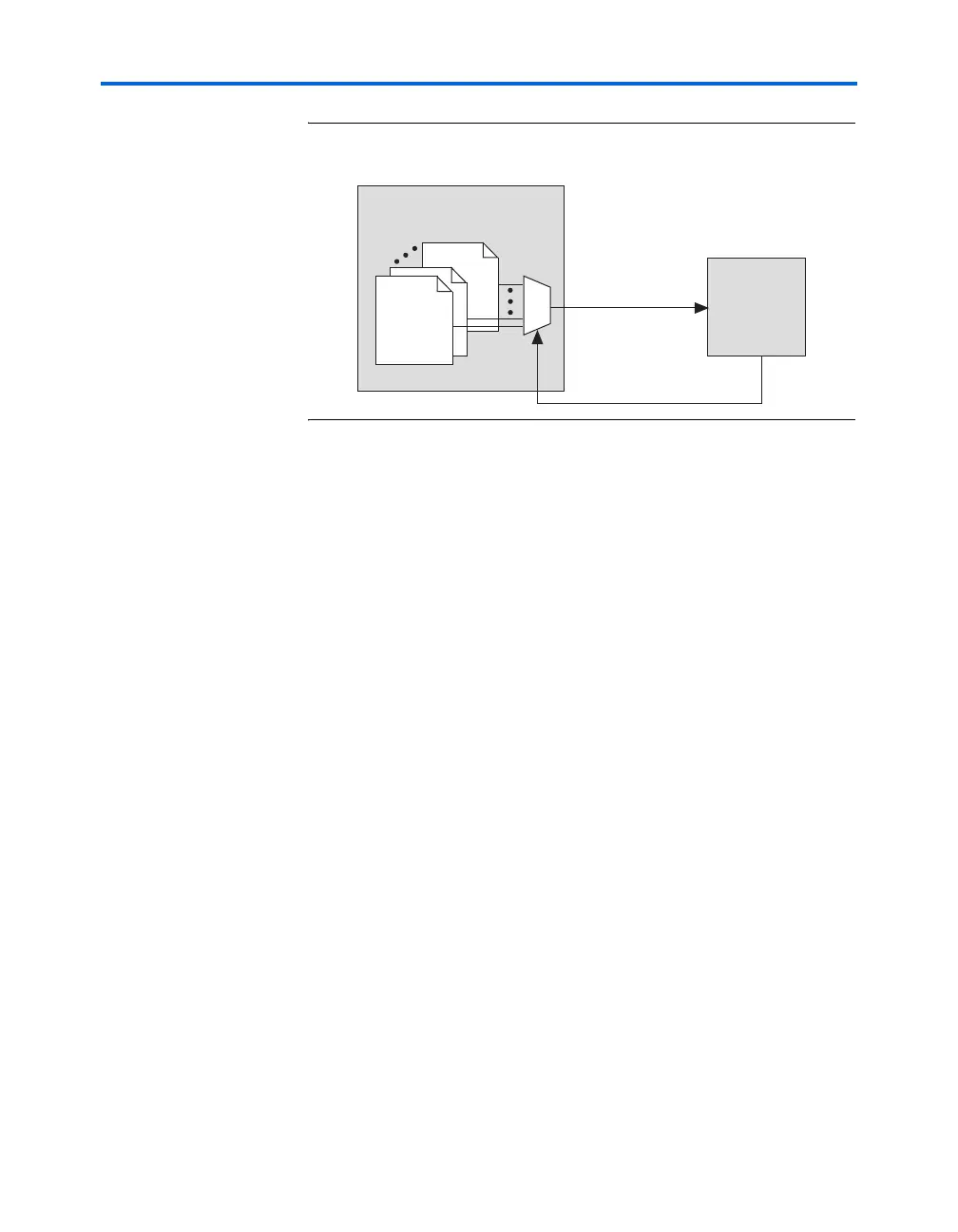
Figure 12–5. Page Mode Feature in Stratix or Stratix GX Devices & Enhanced
Configuration Devices
Upon power-up in remote configuration mode, the factory configuration
(see description below) selects the user-specified page address through
the Stratix or Stratix GX PGM[2..0] output pins. These pins drive the
PGM[2..0] input pins of the enhanced configuration device and select
the requested page in the memory.
If an intelligent host is used instead of an enhanced configuration device,
you should create logic in the intelligent host to support page mode
settings similar to that in enhanced configuration devices.
Factory Configuration
Factory configuration is the default configuration data setup. In enhanced
configuration devices, this default page address is 000. Factory
configuration data is written into the memory device only once by the
system manufacturer and should not be remotely updated or altered. In
remote configuration mode, the factory configuration loads into the
Stratix or Stratix GX device upon power-up.
The factory configuration specifications are as follows:
■ Receives new configuration data and writes it to the enhanced
configuration or other memory devices
■ Determines the page address for the next application configuration
that should be loaded to the Stratix or Stratix GX device
■ Upon an error in the application configuration, the system reverts to
the factory configuration
■ Determines the reason for any application configuration error
■ Determines whether to enable or disable the user watchdog timer for
application configurations
Enhanced Configuration
Device
Stratix or
Stratix GX
Device
Page Select
POF 8
POF 1
Stratix 1
Page0
tix7



 To Next Page