12–20 Altera Corporation
Stratix Device Handbook, Volume 2 September 2004
Using Enhanced Configuration Devices
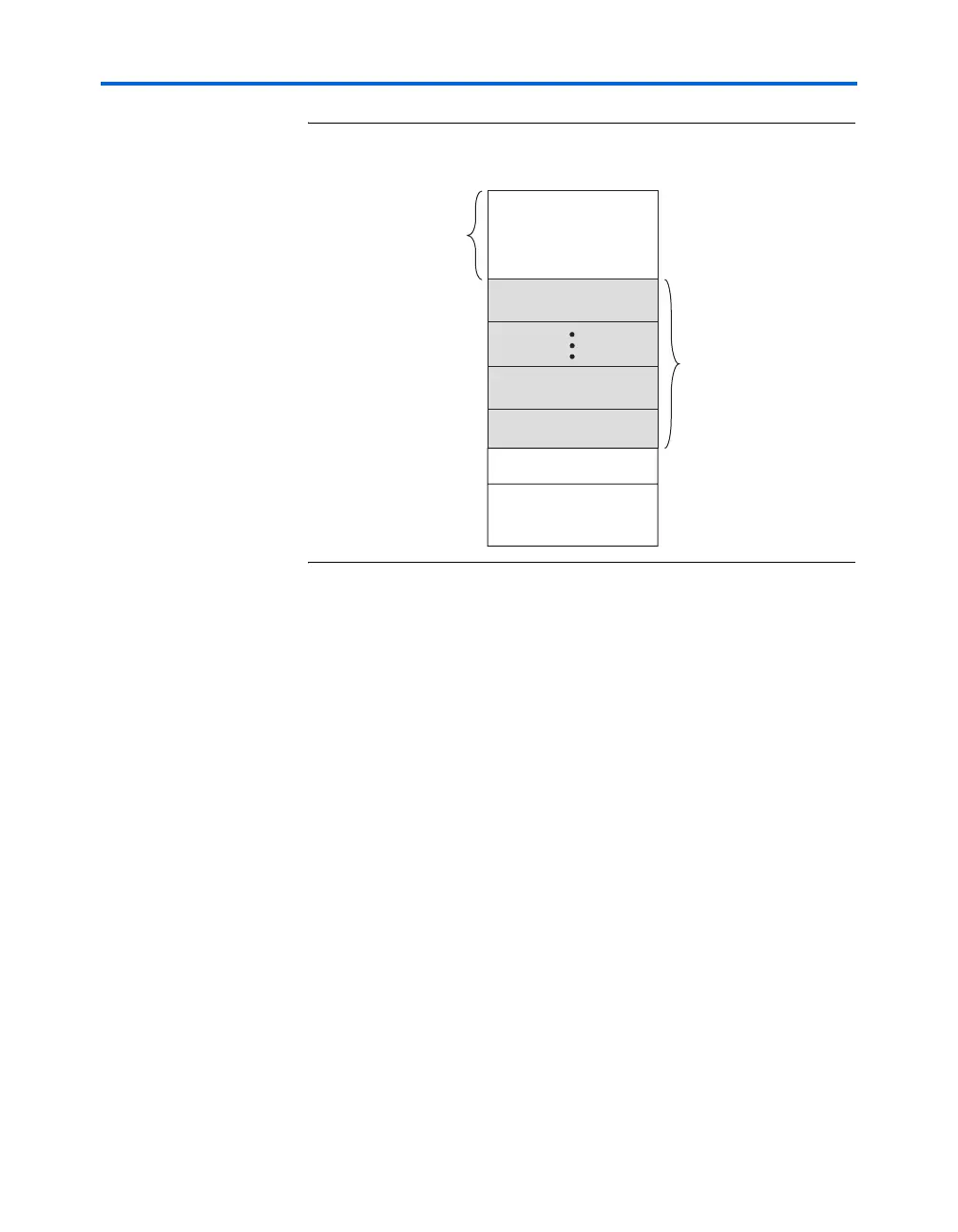
Figure 12–11. Memory Map in Enhanced Configuration Device
When the Stratix or Stratix GX device powers-up in remote configuration
mode, the devices loads configuration data located at page address 000.
You should always load the factory default configuration data at this
location and make sure this information is not altered.
The factory configuration contains information to determine the next
application configuration to load into the Stratix or Stratix GX device.
When the Stratix or Stratix GX device successfully loads the application
configuration from the page selected by the PGM[2..0] pins, it enters
user mode.
In user mode, the Nios embedded processor (or any other logic) assists
the Stratix or Stratix GX device in detecting remote system configuration
information. In remote system configuration, the Nios embedded
processor receives the incoming data from the remote source via the
network, writes it to the ECP16 enhanced configuration device, and then
initiates loading of the factory configuration into the Stratix or Stratix GX
device. Factory configuration reads the remote configuration status
register and determines the appropriate application configuration to load
into the Stratix or Stratix GX device. Figure 12–12 shows the remote
system configuration.
Unused Memory
Processor
Space
Enhanced Configuration Devices
Page7
Configuration
Space
Page1
Page0
Option Bits
Boot & Parameter Block



 To Next Page