9. General operation example
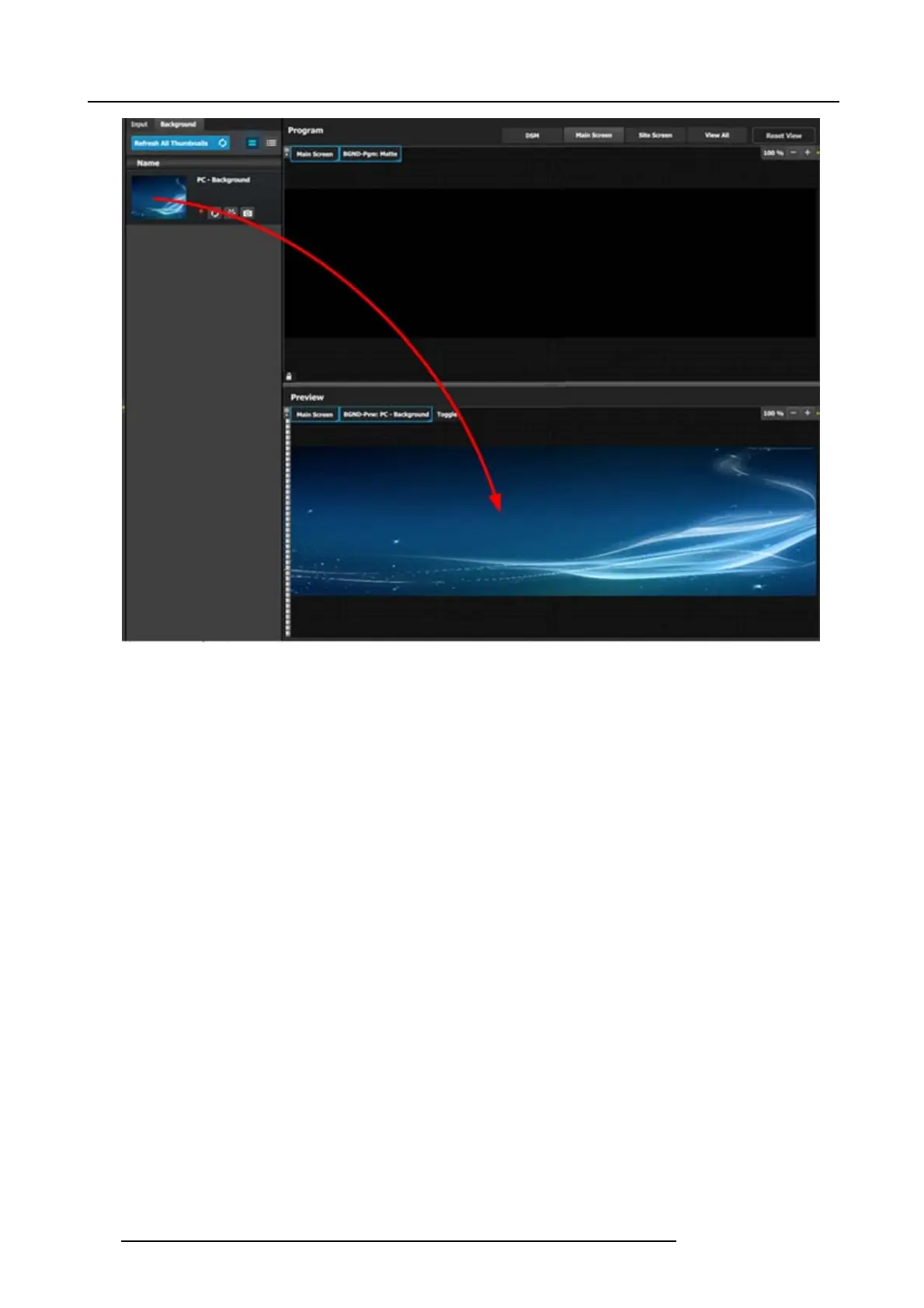
Image 9-16
P5: Drop Layers into Screen Destinations & Sources into layers
In this step w e will add layers into each Destination, assign sources to layers and adjus t their s ize and position parameters.
Part1: Site Screen
1. On top, click on the Site Screen tab to only view the Site S creen.
2. On the right hand side of the screen click on the Layers tab and then click on the arrow next to the Destination name to reveal
all the layers and background that w ere assigned to the destination.
3. Drag Layer1 into the preview screen. A white square box will appear.
202
R5905948 E2 12/12/2014



 To Next Page