9. General operation example
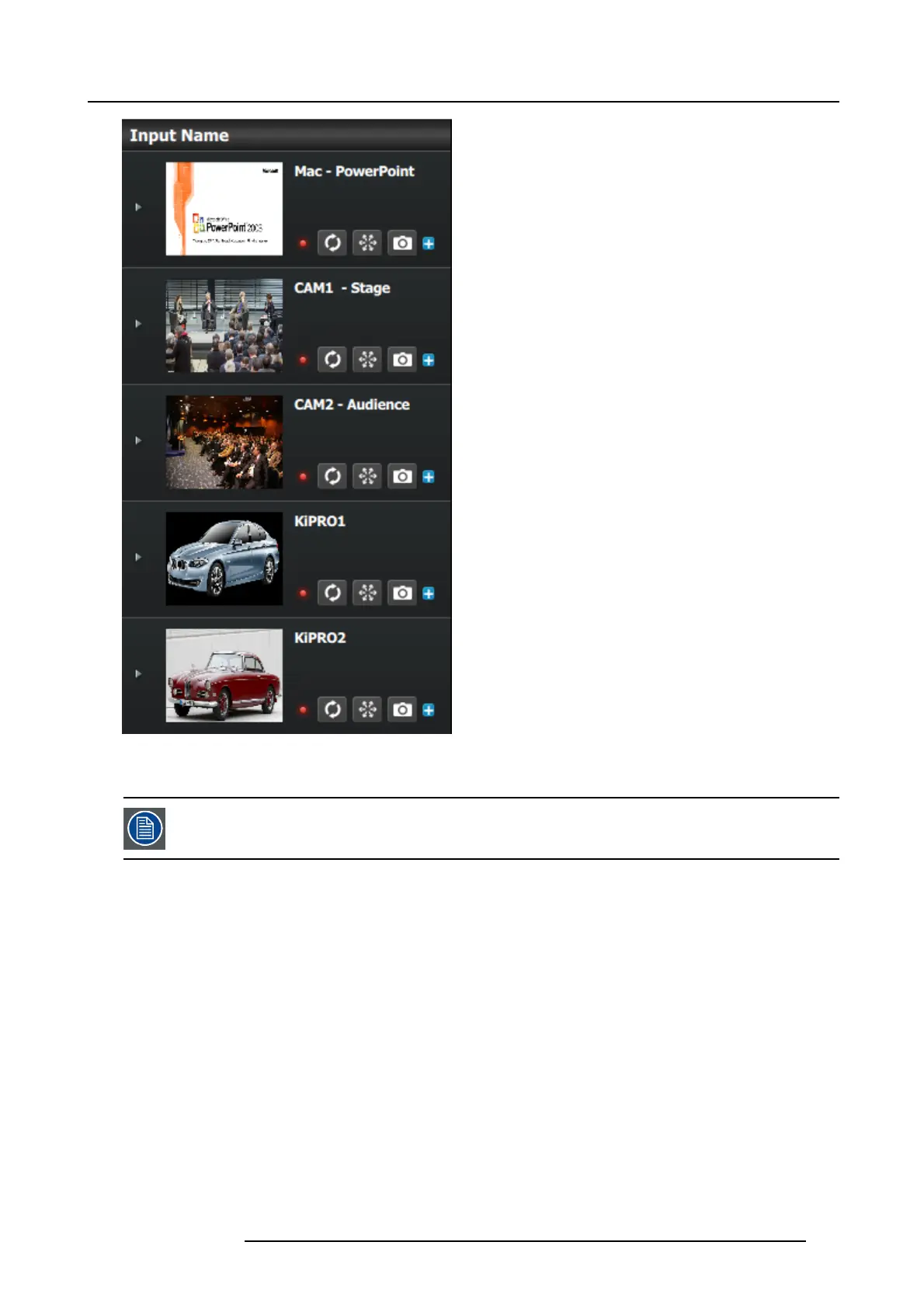
Image 9-15
P3: Created Additional Sources from Inputs
As noted previously, a source is generated automatically for each input. For this application, o nly one sou rce
will be u sed f or each input, so no additional sources need to be creat ed. Therefore, in this example this step
will be skipped.
P4: Drop Backgrounds into Scree
n Destinations
1. On top click on the Main Screen tab to only view t he Main Screen.
2. Select the Background tab from the top left side and drop it into the preview layer.
R5905948 E2 12/12/2014
201



 To Next Page