9. General operation example
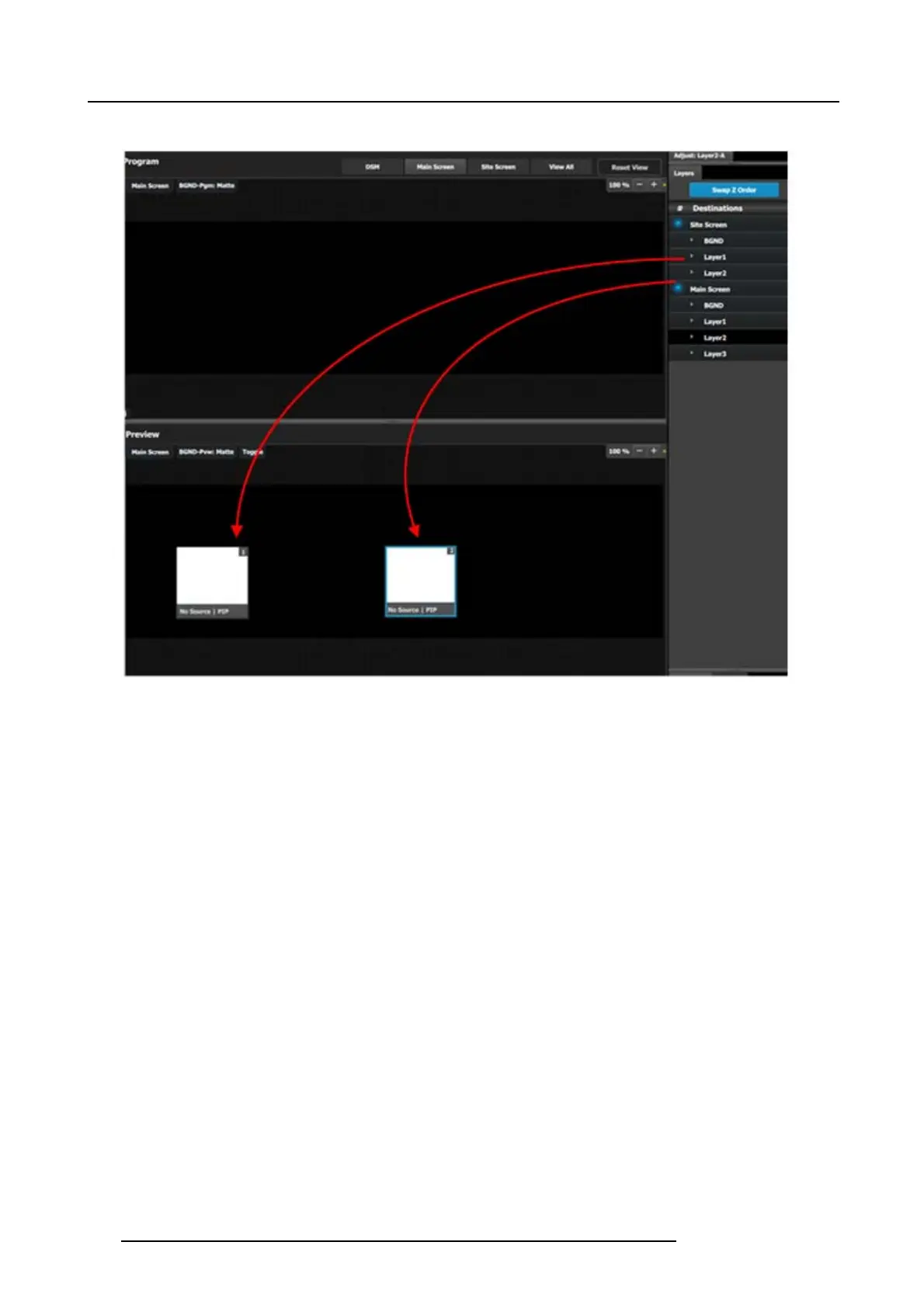
3. Drag Layer1 and Layers 2 anywhere into the preview screen. Two white s quare boxes will appear.
Image 9-21
4. Click on the Adjust tab on the top and select the “Window Adjustment” Icon.
5. Unlock the asp ect ration loc k by clicking in t he lock icon.
6. Click each layer separately and adjust their s izing parameters as follows. Note: You need to unlock the aspect ratio for eac h
layer.
Layer1
a) H Size: 1720
b) V size: 970
c) H Pos: 100
d) V Pos: 50
Layer2
a) H Size: 1720
b) V size: 970
c) H Pos: 1920
d) V Pos: 50
7. Click the sources under KiPRO1 and Mac-Power Point and drop them into the perspective layers.
8. Select both layers on the Preview.
9. Transition the layers to program.
10.D rop the KiPRO2 source to the layer on the lef
t.
206
R5905948 E2 12/12/2014



 To Next Page