9. General operation example
Image 9-22
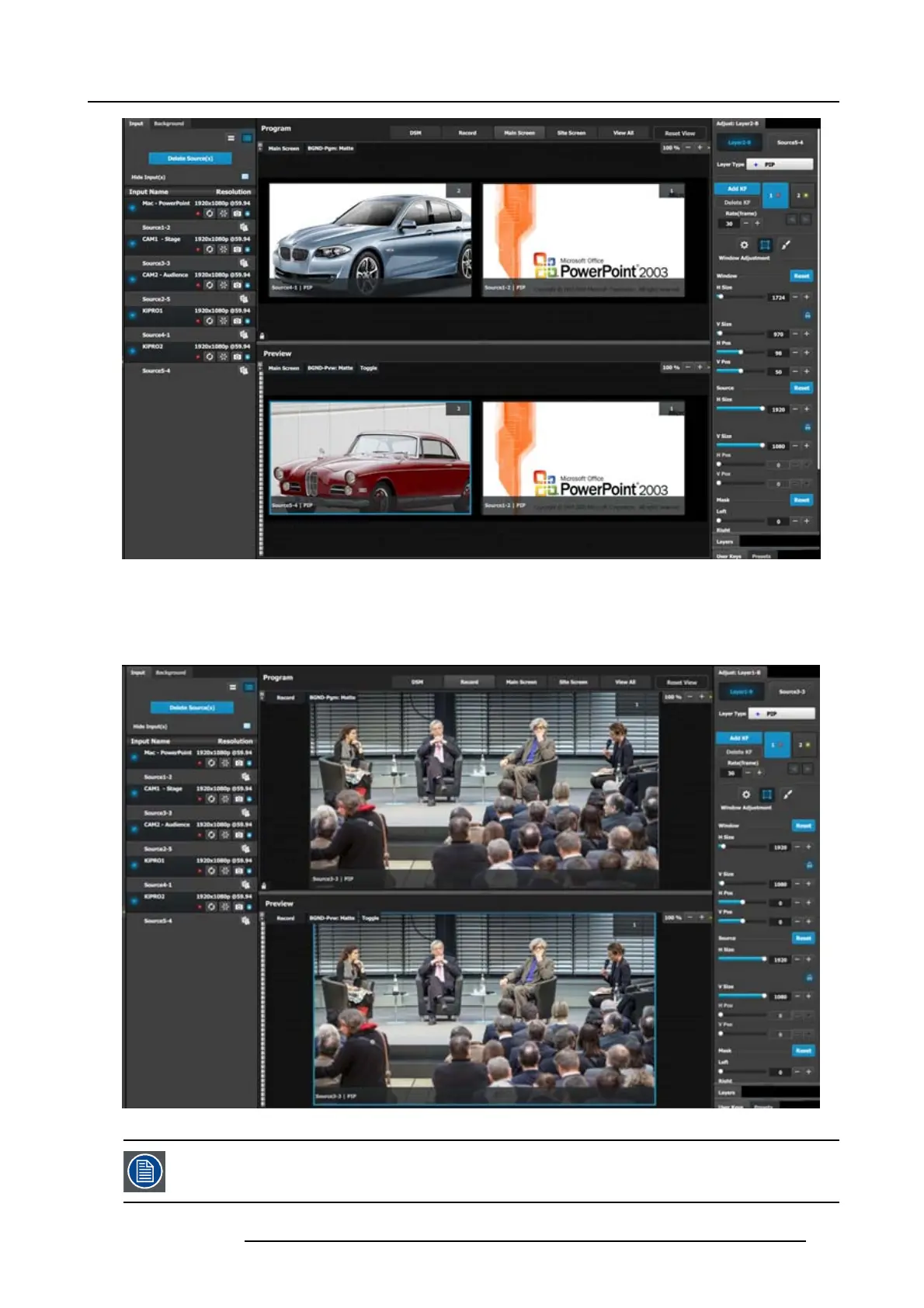
P6: Drop Sources into Aux Screens (DMS Output)
1. On top click on the DSM tab.
2. Drag the CAM 1 input1 into the preview s creen.
Image 9-23
P7: In this applic
ation w e will not save any u ser keys. All layers attributes will be saved.
R5905948 E2 12/12/2014 207



 To Next Page